
Make an animation with AI
One sentence makes an animation: motion graphics, 3D, a character that walks and talks, bones and frame-by-frame drawing.
People often say Make a 10-second birthday greeting with colorful balloons floating upCut the first 10 seconds and add a title cardAdd subtitles to this clip


You say:
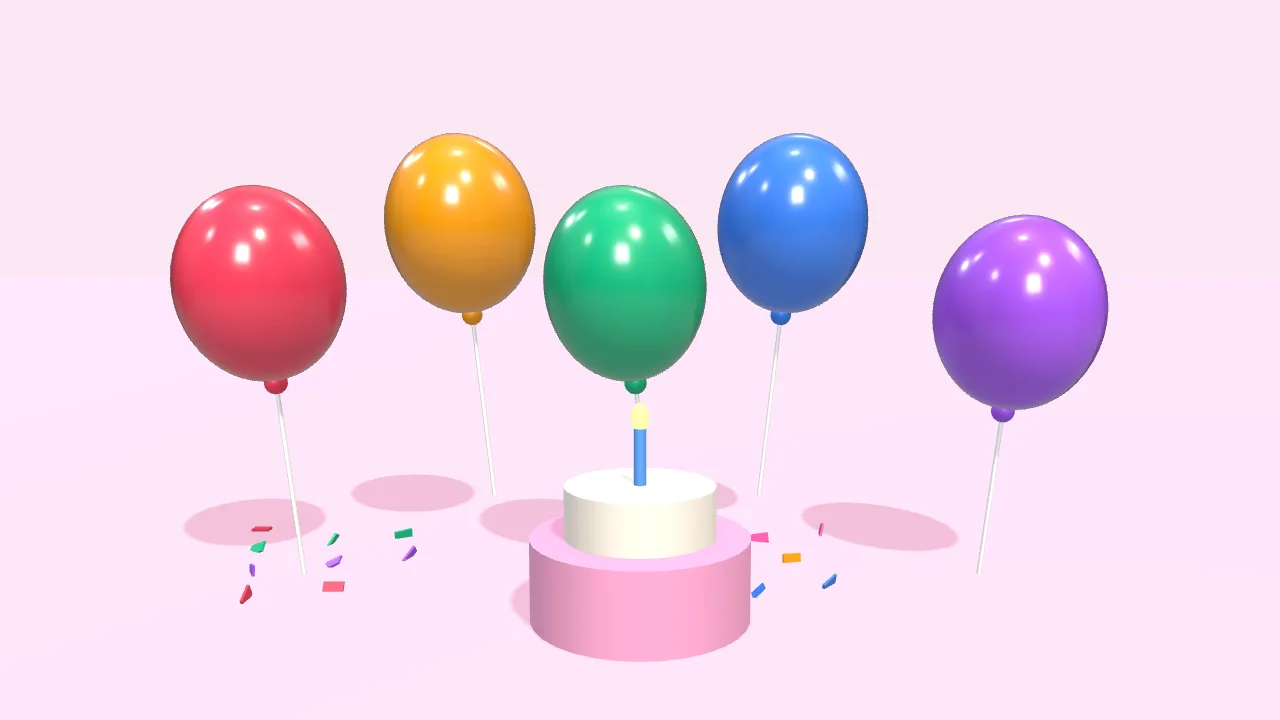
Make a 10-second birthday greeting: colorful balloons float up, then “Happy Birthday” appears
- Set up a 3D scene
- Add 5 balloons that float up
- Add a cake and falling confetti
- Add the text with a pop-in
- Export the 10-second video
You say:
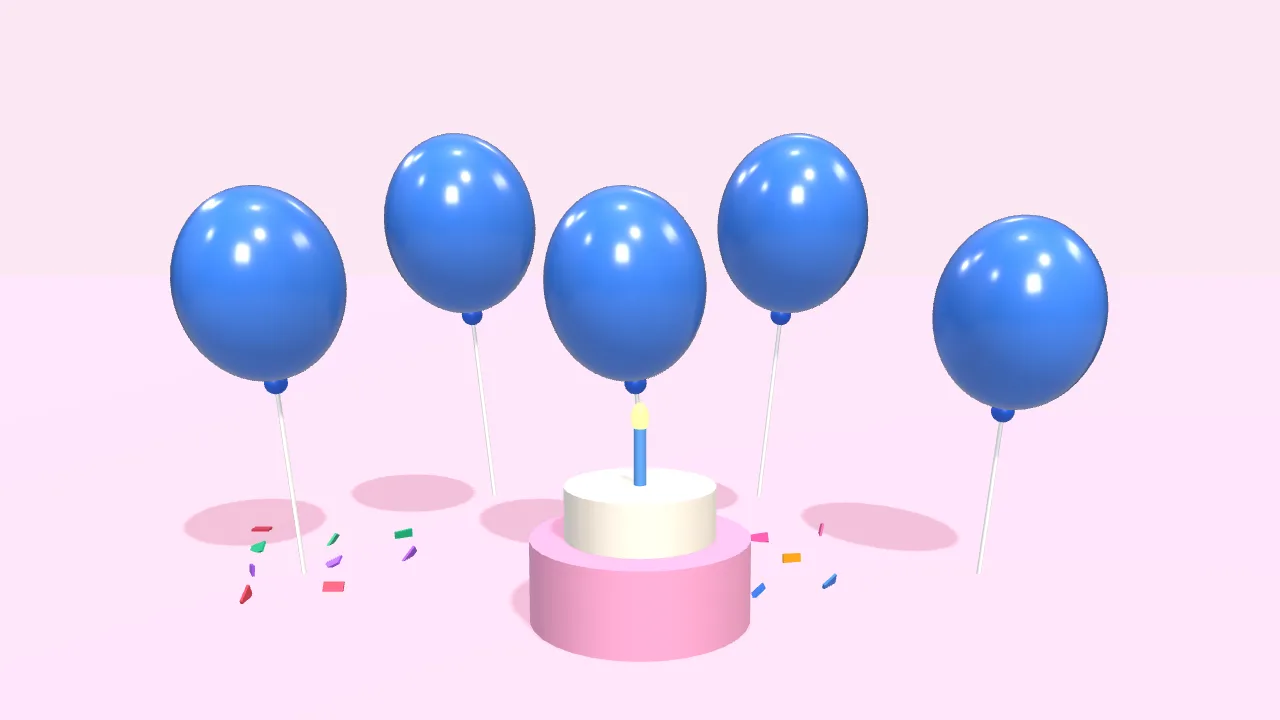
Bigger text in yellow, and make the balloons blue
- Larger font size
- Color white → yellow
- Balloons → blue
You say:
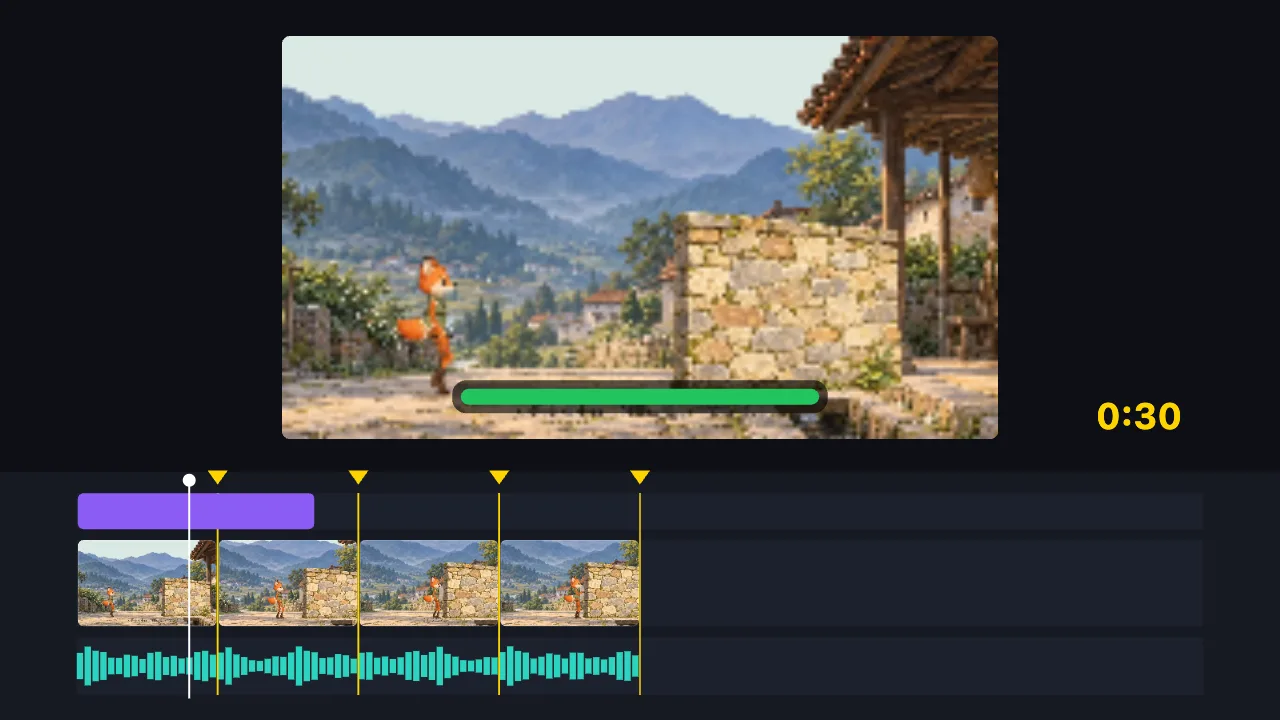
Cut this 2-minute clip to 30 seconds on the music beats, and add a title
- Find the music beats
- Split into 8 parts on the beats, drop the dull ones
- Add the title
- Export the 30-second video
You say:
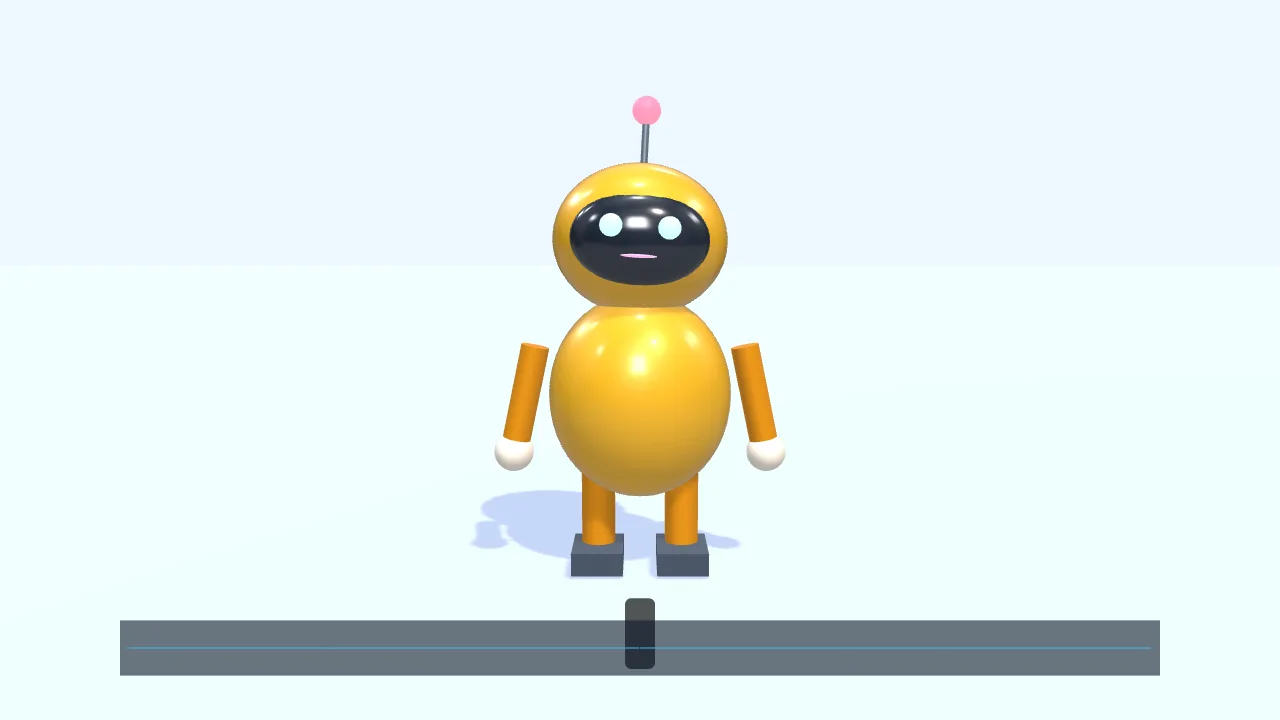
Have a character walk in from the left and talk along with this voice clip
- Add a small 3D robot
- Walk to the center and wave
- Drop in a voice clip
- The mouth opens and closes with the voice
- Add subtitles
You say:
Make a gold gift box spin once, then show “New arrival”
- Create a 3D scene
- Add a gift box
- Give it a gold metal finish
- Add two lights
- Spin it once
- Show “New arrival”
You say:
Add a “New arrival” title animation over the gift box
- Add a built-in title motion
- Set the title to “New arrival”
- Export the 8-second video
No video-generation model and no queue: the AI writes a timeline, and your browser draws it.
The AI can’t: generate real live-action footage · fix blurry video · remove existing watermarks · create a 3D model file from nothing
Say one sentence and the AI makes an animated video in your browser — no footage, no sign-in. Motion graphics, 3D scenes with physics, a character that walks and talks to your voice, bone rigs and frame-by-frame drawing, all on an editable timeline. No live-action footage, no stock character library. No watermark.
Making animation used to mean being able to draw or knowing the software. Here you say what you want in one sentence — say, “a 10-second birthday greeting: colorful balloons float up, then ‘Happy Birthday’ appears” — the AI writes it as a timeline, and your browser draws it on the spot, with no queue.
What it can make: motion graphics (rectangles, circles, SVG paths that draw themselves on, text — with keyframed position, rotation, scale and opacity, and easing); 3D scenes (basic shapes, materials, lights, camera moves, and physics such as drops, collisions and bounces); a walking character whose mouth follows a voice you add; bone animation; frame-by-frame drawing; plus 6 ready-made templates and text entrance animations.
What you get is an ordinary project: every shape, keyframe and line of text can be dragged and changed by hand, or you can keep going with “bigger text” or “make the balloons blue”. To be clear about the limits: it does not generate live-action or photographic footage, it has no stock library of characters, scenes or props, and it cannot turn a photo into a character automatically.
FAQ
- What does it look like?
- Drawn: flat shapes, drawn-on lines, text, or 3D basic shapes and models you import. It is not photographic realism — that would need a video generation model, which this site does not run.
- Can a character walk and talk?
- Yes. There is one simple built-in 2D character that walks or runs along a path with its feet planted; add a voice you recorded or imported and its mouth follows it. Its colors and shapes can be changed, but it is a single built-in character, not a character library.
- Can I use my own drawings?
- Yes. You can draw frame by frame, or attach parts you drew to bones and pose them; for 3D you can import your own .glb model. What it can’t do is turn a photo into a moving character automatically.
- How long does it take? Is there a queue?
- No queue. Once the AI has written the timeline your browser draws it on the spot, usually within seconds. 3D and physics need a browser with 3D acceleration (WebGL).
- Is it free? Is there a watermark?
- Free, with no sign-in, and MP4 and GIF exports carry no watermark. The AI chat needs an internet connection; its usage allowance is whatever the assistant shows.