
Build a 3D scene from one sentence
Shapes, materials, lights, camera and physics — or import your own .glb model.
People often say Make a 10-second birthday greeting with colorful balloons floating upCut the first 10 seconds and add a title cardAdd subtitles to this clip
You say:
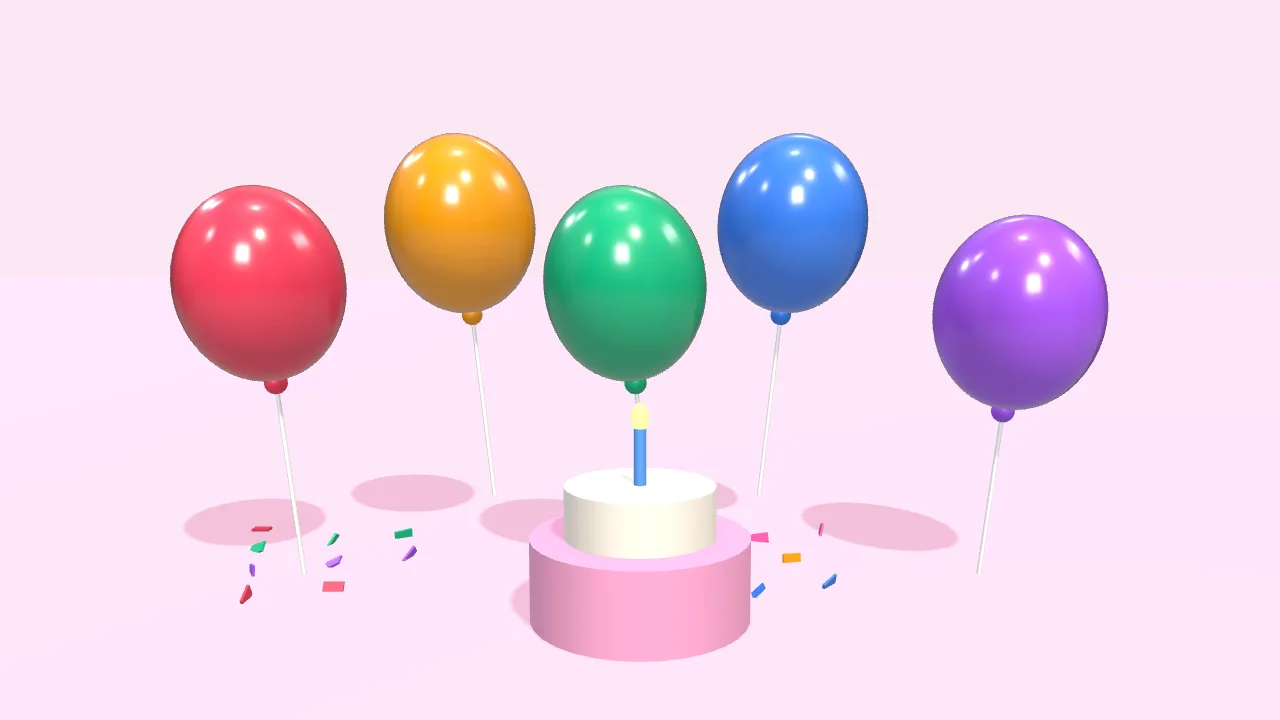
Make a 10-second birthday greeting: colorful balloons float up, then “Happy Birthday” appears
- Set up a 3D scene
- Add 5 balloons that float up
- Add a cake and falling confetti
- Add the text with a pop-in
- Export the 10-second video
You say:
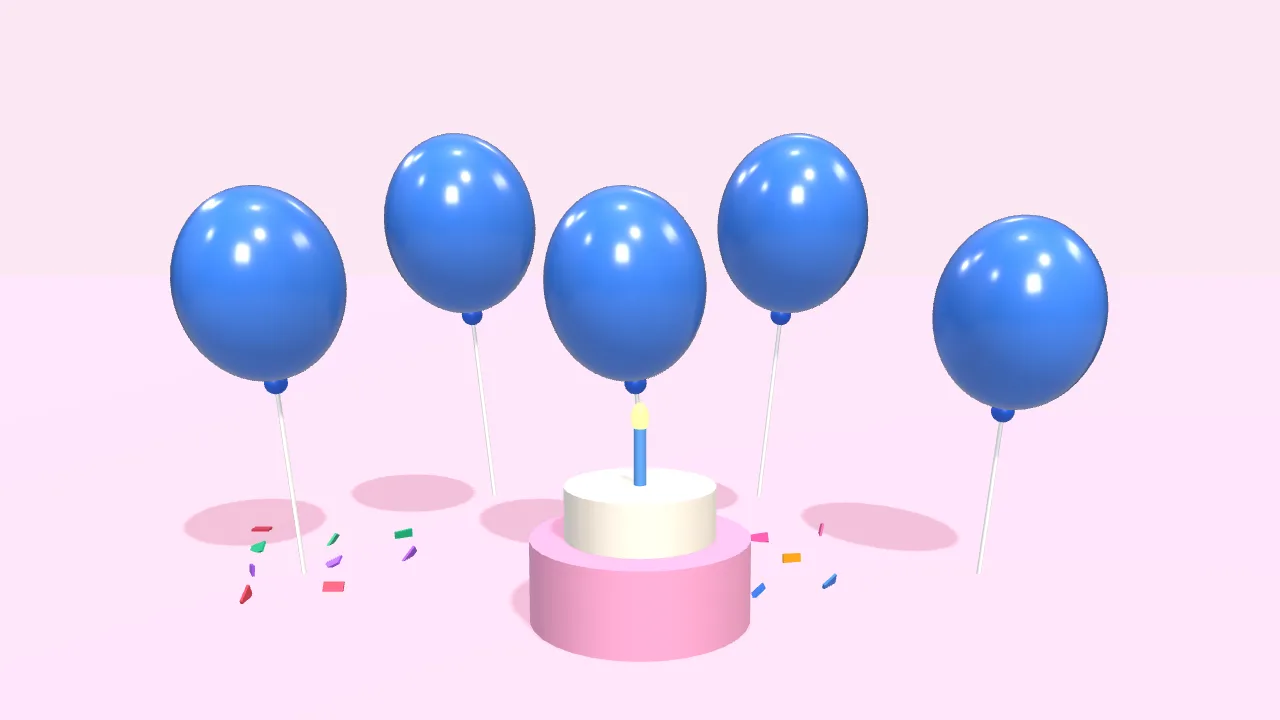
Bigger text in yellow, and make the balloons blue
- Larger font size
- Color white → yellow
- Balloons → blue
You say:
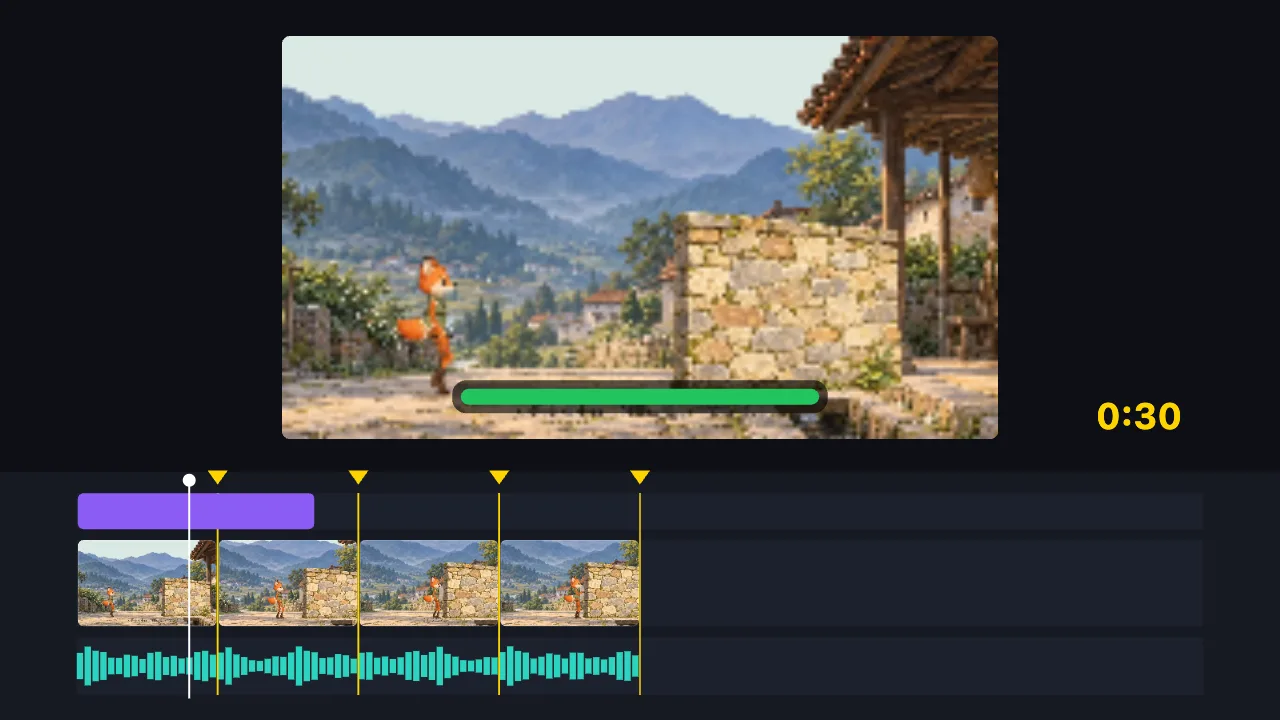
Cut this 2-minute clip to 30 seconds on the music beats, and add a title
- Find the music beats
- Split into 8 parts on the beats, drop the dull ones
- Add the title
- Export the 30-second video
You say:
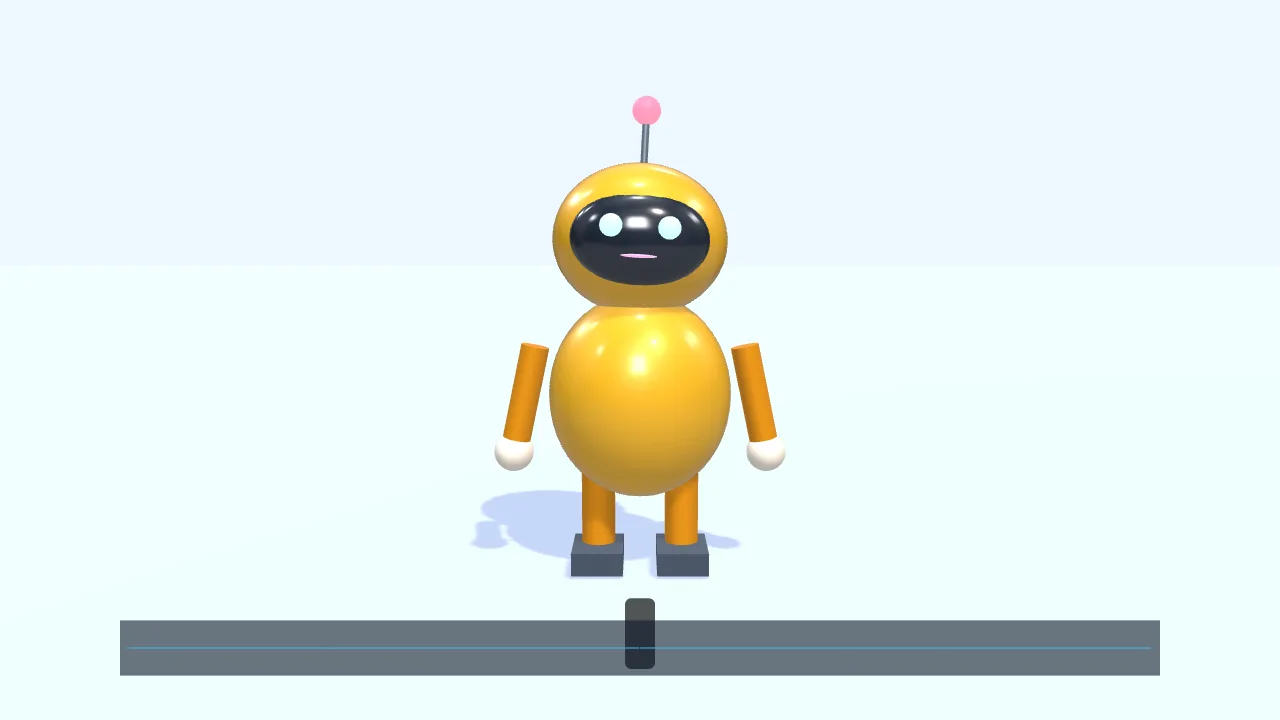
Have a character walk in from the left and talk along with this voice clip
- Add a small 3D robot
- Walk to the center and wave
- Drop in a voice clip
- The mouth opens and closes with the voice
- Add subtitles
You say:
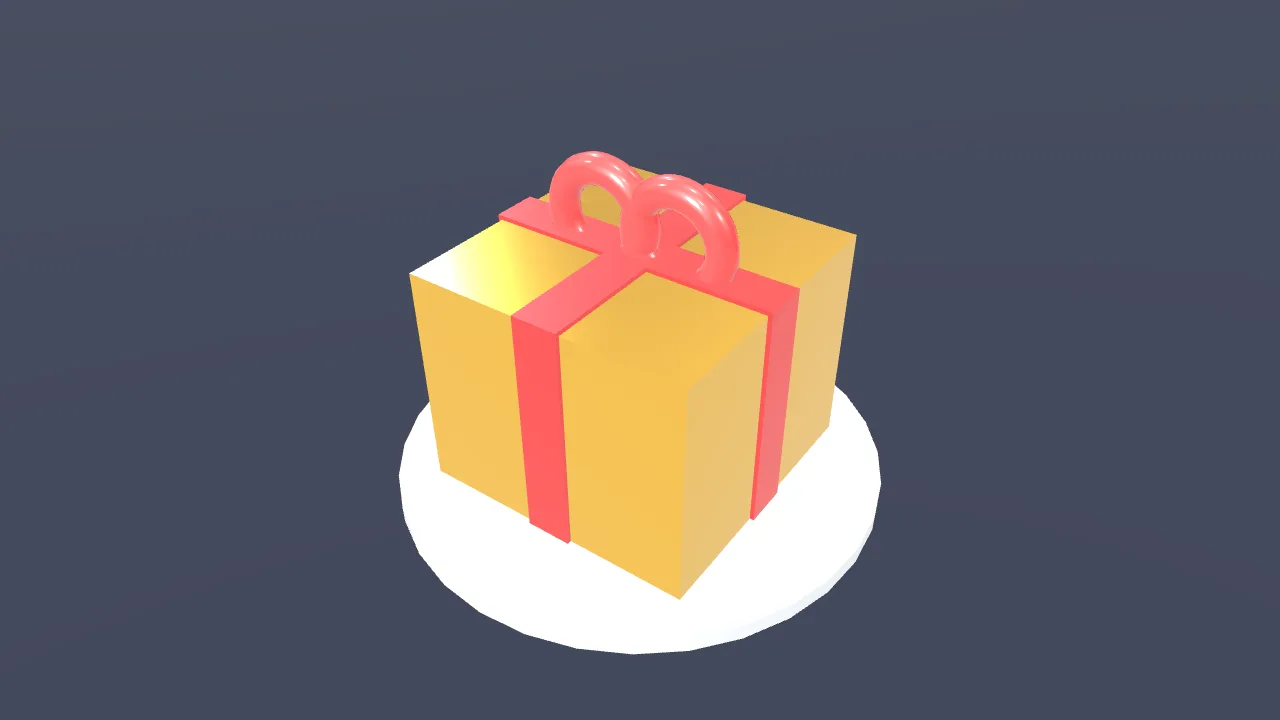
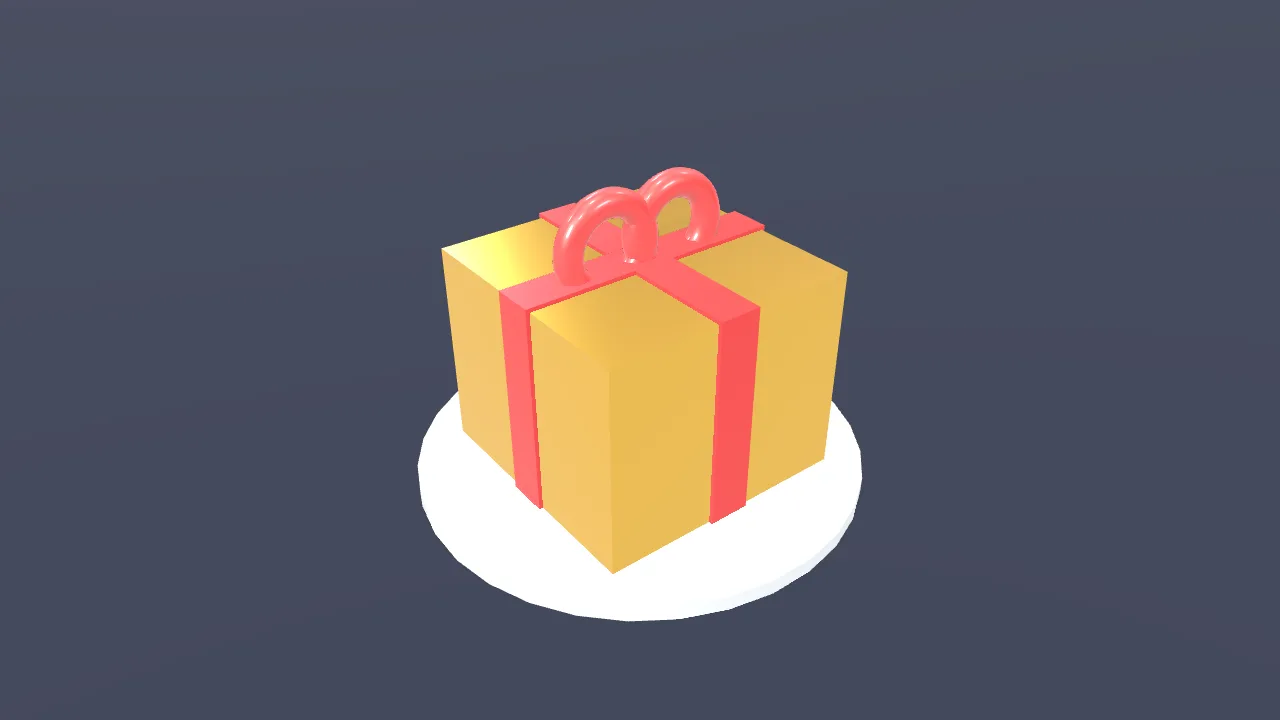
Make a gold gift box spin once, then show “New arrival”
- Create a 3D scene
- Add a gift box
- Give it a gold metal finish
- Add two lights
- Spin it once
- Show “New arrival”
You say:
Add a “New arrival” title animation over the gift box
- Add a built-in title motion
- Set the title to “New arrival”
- Export the 8-second video
No video-generation model and no queue: the AI writes a timeline, and your browser draws it.
The AI can’t: generate real live-action footage · fix blurry video · remove existing watermarks · create a 3D model file from nothing
Say one sentence and the AI builds a moving 3D scene in your browser — nothing to install, no sign-in, as long as the browser supports 3D acceleration. Basic shapes, materials, lights, camera moves and physics, plus your own .glb models with their built-in animations. It cannot create a model file from nothing.
A product shot or a 3D intro used to mean learning 3D software first. Here you say “make a gold gift box spin once, then show ‘New arrival’”, and the AI creates the scene, adds the box, gives it a metal finish, sets two lights, spins it and lays the text on top.
What you can use: basic shapes — box, sphere, cylinder, torus and plane; material color, metalness, roughness and more; lights; a keyframed camera; objects that spin and move; physics such as drops, collisions and bounces. You can also import your own .glb model and play the animations it carries. If you don’t need 3D, you can build a flat motion-graphics scene instead: shapes, drawn-on paths, text.
The limits, stated here: models must be .glb — no OBJ, FBX or STL; a .glb that uses Draco compression or keeps its textures in separate files is refused, with the reason shown; it cannot create a 3D model file from nothing; and the browser needs 3D acceleration (WebGL), so very old devices may not open it.
FAQ
- Can I import my own 3D model?
- Yes, as .glb, and any animations inside the model can be played. OBJ, FBX and STL are not supported, and neither is a .glb with Draco compression or external texture files — the import tells you why.
- Can it generate a 3D model for me?
- No. It can build from basic shapes or use a .glb you import, but it cannot create a model file from nothing.
- Can the camera move?
- Yes. The camera takes keyframes: push in, pull back, orbit around an object. Objects themselves can spin and move too.
- What can the physics do?
- Make things drop, collide and bounce — a pile of boxes falling and scattering, say. The motion is worked out by the browser from physical rules, so you don’t pose it frame by frame.
- Will it work on an older computer or phone?
- 3D needs a browser with 3D acceleration (WebGL). Most phones and computers from recent years have it; without it the 3D scene won’t open, but flat motion graphics and ordinary editing still work.