
Make a character walk and talk
Three ways: a walking character, a bone rig, or frame-by-frame drawing.
People often say Make a 10-second birthday greeting with colorful balloons floating upCut the first 10 seconds and add a title cardAdd subtitles to this clip




You say:
Make a 10-second birthday greeting: colorful balloons float up, then “Happy Birthday” appears
- Set up a 3D scene
- Add 5 balloons that float up
- Add a cake and falling confetti
- Add the text with a pop-in
- Export the 10-second video
You say:
Bigger text in yellow, and make the balloons blue
- Larger font size
- Color white → yellow
- Balloons → blue
You say:
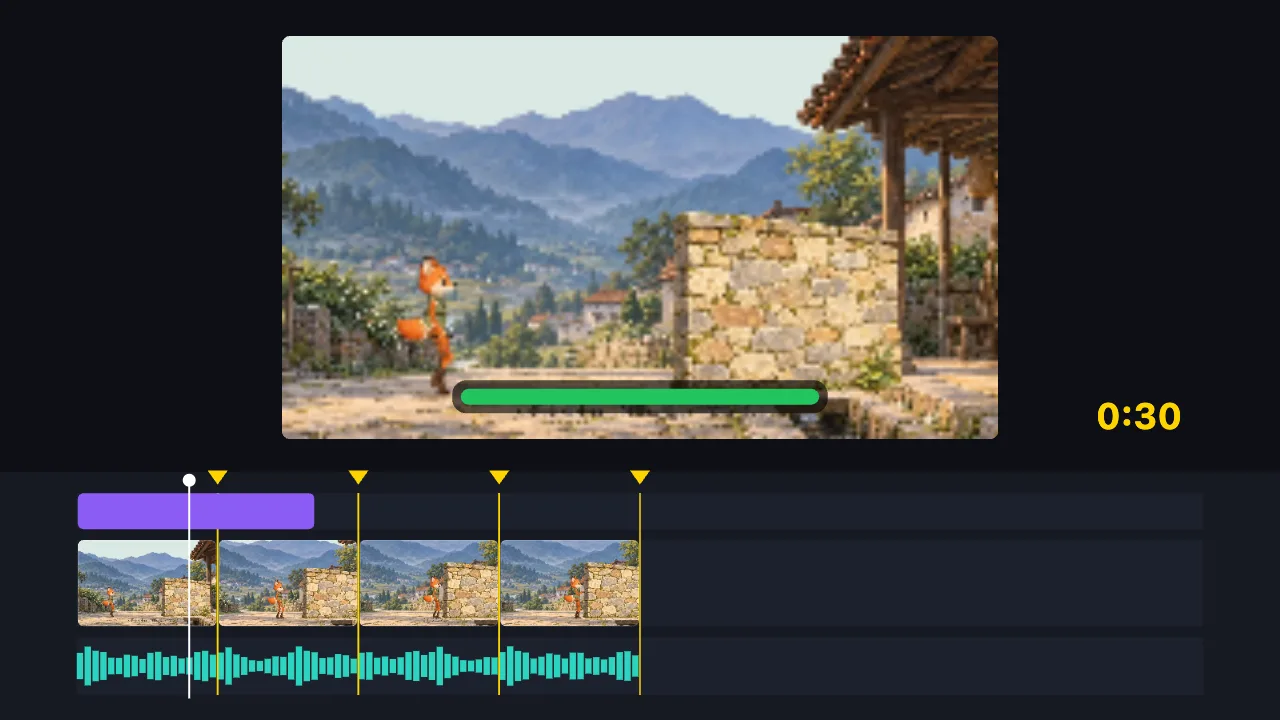
Cut this 2-minute clip to 30 seconds on the music beats, and add a title
- Find the music beats
- Split into 8 parts on the beats, drop the dull ones
- Add the title
- Export the 30-second video
You say:
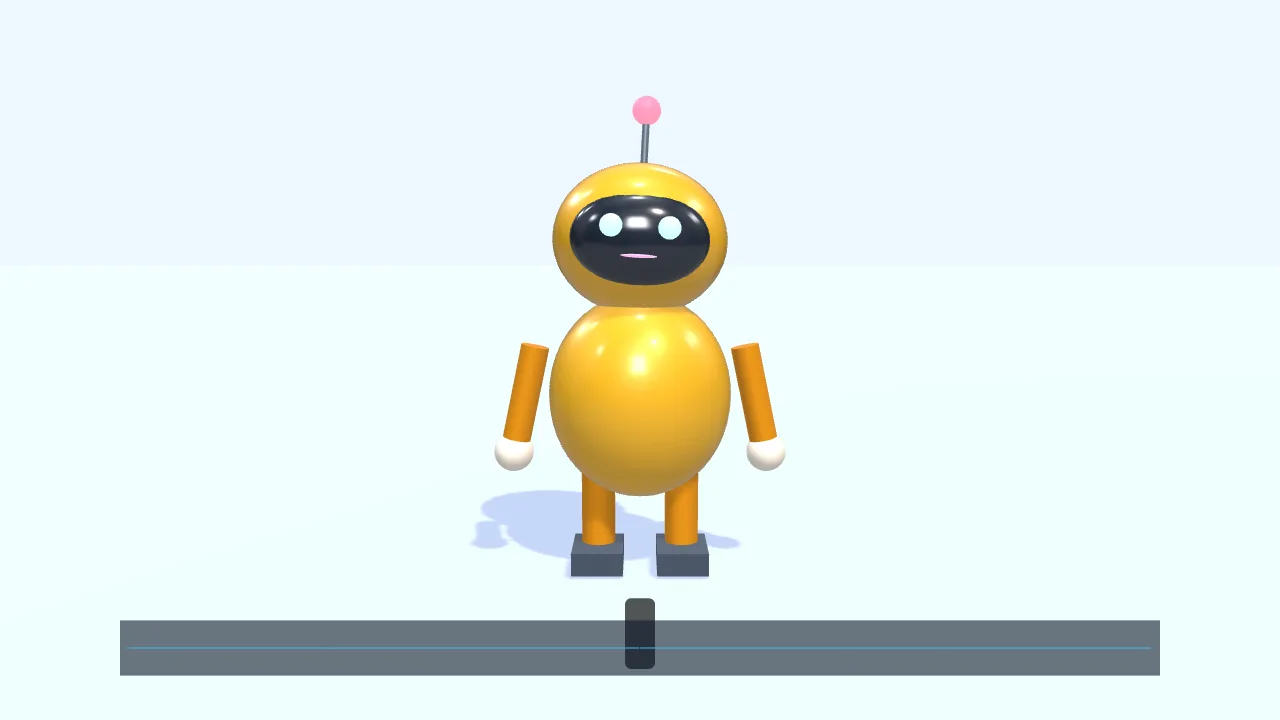
Have a character walk in from the left and talk along with this voice clip
- Add a small 3D robot
- Walk to the center and wave
- Drop in a voice clip
- The mouth opens and closes with the voice
- Add subtitles
You say:
Make a gold gift box spin once, then show “New arrival”
- Create a 3D scene
- Add a gift box
- Give it a gold metal finish
- Add two lights
- Spin it once
- Show “New arrival”
You say:
Add a “New arrival” title animation over the gift box
- Add a built-in title motion
- Set the title to “New arrival”
- Export the 8-second video
No video-generation model and no queue: the AI writes a timeline, and your browser draws it.
The AI can’t: generate real live-action footage · fix blurry video · remove existing watermarks · create a 3D model file from nothing
Tell the AI in one sentence and a character walks in from one side and talks along with your voice — all in your browser, no sign-in. Three ways to make a character: the built-in walking character, a bone rig, or frame-by-frame drawing. There is no character library, and a photo can’t become a character automatically.
A character that walks and talks gives even a simple animation a sense of story. You don’t need to know rigging or keyframing: say “have a character walk in from the left and talk along with this voice clip”, and the AI puts it on the timeline.
First, the walking character: one simple built-in 2D character that walks or runs along a path, bending its legs and keeping its feet planted, with a mouth that follows a voice. Its colors and shapes can be changed. It is the quickest option, good for explainers, greetings and intros.
Second, a bone rig: draw a head, body, arms and legs, or build them from shapes, attach them to 2D bones, and drag a hand or foot to pose it — the limb bends to follow. Use it when you want your own design that can still move. Third, frame-by-frame: draw one frame at a time, set how long each frame holds and loop it — good for short animations with a hand-drawn feel.
How to choose: for a quick character that walks and talks, use the first; for your own design, use bones; for a hand-drawn feel, use frame-by-frame. Talking comes from a voice you add — record one or import audio, and the mouth opens and closes with its loudness and rhythm. To be clear: there is no ready-made character library, and a photo cannot be turned into a character automatically.
FAQ
- Are there ready-made characters to pick from?
- Just one: the built-in walking character, whose colors and shapes you can change. There is no character library and no ready-made people or animals to choose from. For any other design, draw it yourself with bones or frame by frame.
- Do I need to know rigging?
- Not for the walking character. Bones are optional: use them only when you want your own design — attach the parts and drag the hands and feet to pose it.
- Can it talk?
- Yes. Record your own voice or import audio, and the character’s mouth opens and closes with the loudness and rhythm of the sound, switching between several mouth shapes. It follows the sound; it does not match each word precisely.
- Can I upload a photo as a character?
- Not automatically. A photo can go into the picture as an ordinary image and be moved, rotated and scaled as a whole; to move the limbs separately, you would need to split it into separate images yourself and attach them to bones.
- Can several characters appear at once?
- Yes, each on its own path. Each one can talk along with its own voice track, without picking up the others.