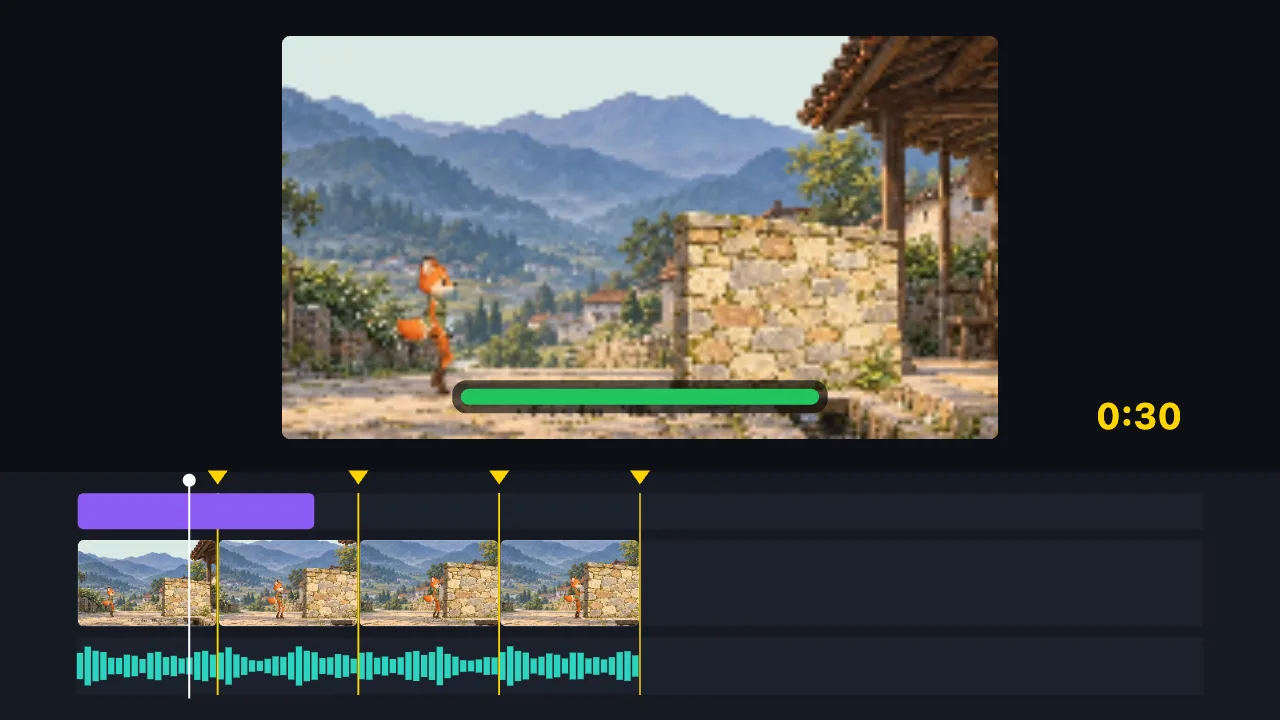
A free online video editor that runs in your browser: trim, compress, convert, add subtitles, make GIFs, extract audio. Your video is never uploaded, nothing is installed, no account needed, no watermark. Works on phones and computers. The AI can edit for you — or build a video from nothing.
TutuCut runs inside your own browser. Pick a video and start editing — no software to install, no account to create, no watermark on what you export, and no limit on how often you use it.
Trimming, compressing and converting all happen locally, so your file never leaves your device. That means no upload wait and no server-imposed size cap.
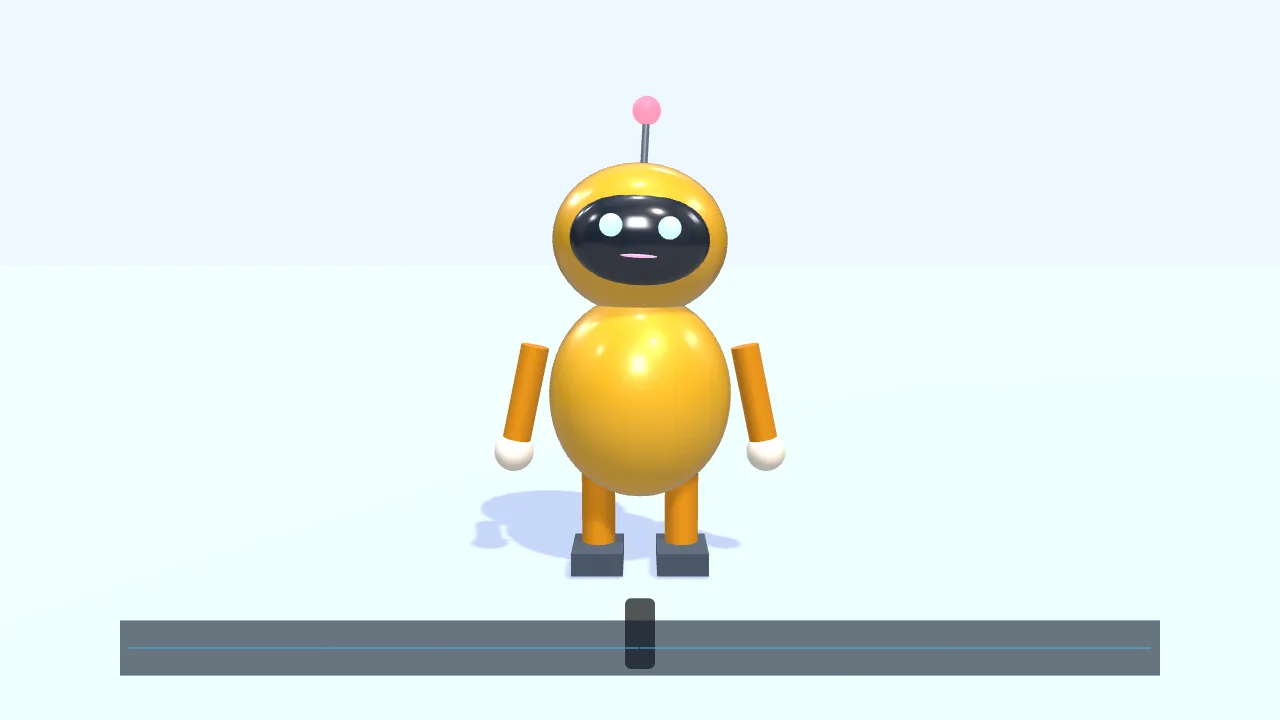
If you don’t know how to edit, say one sentence and the AI does it. And if you have no footage at all, it can still build an animation from scratch: motion graphics, a 3D scene, or a character that walks and talks. If you write web animations, HTML, Canvas and Three.js code can go straight onto the timeline and export as MP4.
For packaging like animated titles, live picture-in-picture windows or photo walls you don’t need to open After Effects, or install Node.js and write React as with Remotion: pick a motion template and drag your videos and images into its slots, or write a bit of HTML, CSS or GSAP. It sits on the same timeline as your video and exports as MP4.
Read more →
- Is it really free? Will there be a watermark?
- Yes, free, and exports carry no watermark with no usage limit. All 75 video tools, AI editing and AI video creation work without an account. Only two things require signing in: saving projects to the cloud, and AI features that go through TutuDrive (letting the AI listen to audio for subtitles, placing generated images on the timeline). The AI usage allowance is whatever the assistant shows.
- Do I need to sign up?
- No. Open the page and start editing; your project is saved in your own browser automatically. Signing in is only for storing projects in the cloud, continuing on another device, and the few AI features that go through TutuDrive.
- Is my video uploaded to a server?
- No. Editing, compressing, converting and exporting all happen in your browser, and the file never leaves your device. It is uploaded only when you deliberately choose "save to cloud" or ask the AI to listen to a piece of audio, and then only to your own TutuDrive.
- Does it work on a phone? Are the features the same?
- Yes, and the features are the same. Timeline, multi-track, subtitles, filters and export all work in a mobile browser. Two differences come from the phone itself: screen recording needs getDisplayMedia, which mobile browsers do not provide, so that button is hidden there; and very large 4K files can hit the memory limit of the device.
- How big a video can it handle? Any length limit?
- We do not impose any size or length limit. Because processing is local, the real ceiling is your device's memory. Files from a few hundred megabytes to a few gigabytes are usually fine. If it truly does not fit, the page says so plainly and offers a way forward — your project is not lost.
- How is this different from CapCut Web?
- The interface follows CapCut closely, so it should feel familiar. The differences: TutuCut needs no account and adds no watermark, and your video is processed locally instead of being uploaded.
- Which formats are not supported?
- WMV/ASF, FLV, RM/RMVB, MPEG-PS and DRM-protected files cannot be opened. AVI opens, but browsers provide no hardware decoding for it, so it falls back to software transcoding — roughly 1–3 minutes per minute of video. MP4, MOV, MKV and WebM are hardware accelerated and fast.
- What can't the AI do?
- It cannot generate live-action footage of real people, cannot restore damaged quality, cannot remove an existing watermark, and cannot identify who appears in a video. What it does is editing, subtitles, transitions, effects, writing code-driven motion, and drawing motion graphics, 3D scenes and a character that walks and talks, on the spot.
- Can I turn a web animation or code into a video?
- Yes. Paste an animation written in HTML, Canvas, SVG, GSAP or Three.js into the editor and it is drawn frame by frame as a motion clip on the timeline, with a transparent background, layered over your video and exported as MP4 or GIF. You can also start from a text, data or name-banner template, or ask the AI to write one.
- Can I have the AI change just one part, or one area of the picture?
- Yes. Select a few clips on the timeline, Shift-drag a time range on the ruler, or draw a box on the preview, then tell the AI what to change — it looks at the spot you mean before it edits. Your box is a rough pointer: the AI decides how far the change needs to reach to look natural, and if you say "only here" it leaves everything else alone. If it does touch something outside your selection it tells you, and one click takes you back to before the AI's edit. On a phone, long-press the ruler or drag on the picture.
- Can motion clips use my own images, videos and fonts?
- Yes. Templates with media slots (live picture-in-picture, photo wall, device mockup, image-and-text split…) take files by drag and drop; when you write code, tutu-asset tokens reference images, videos, GIFs and fonts in your media library. A video window can turn on “With sound”. If a file goes missing you see a placeholder and a prompt to relink it, and export is blocked rather than exporting a version with missing pictures. Everything is processed in your browser, never uploaded.