
Turn text into a video
Paste your text — the AI splits, lays out and animates it.
People often say Make a 10-second birthday greeting with colorful balloons floating upCut the first 10 seconds and add a title cardAdd subtitles to this clip


You say:
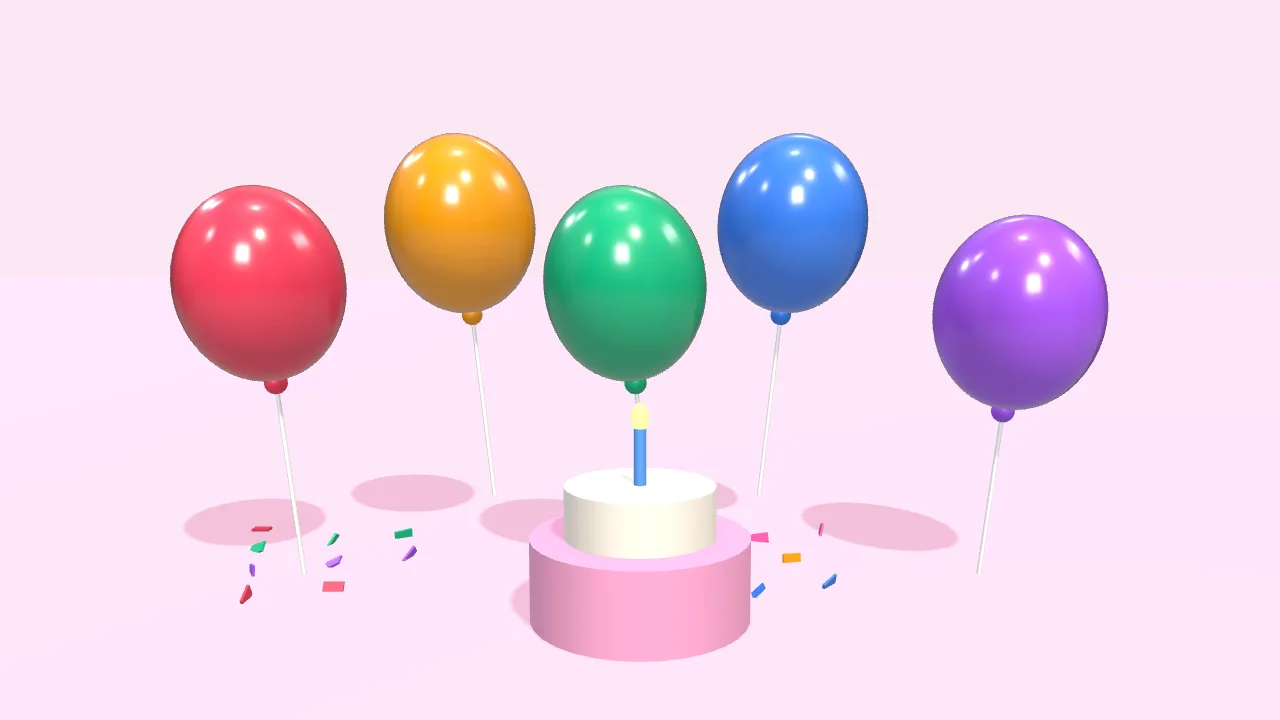
Make a 10-second birthday greeting: colorful balloons float up, then “Happy Birthday” appears
- Set up a 3D scene
- Add 5 balloons that float up
- Add a cake and falling confetti
- Add the text with a pop-in
- Export the 10-second video
You say:
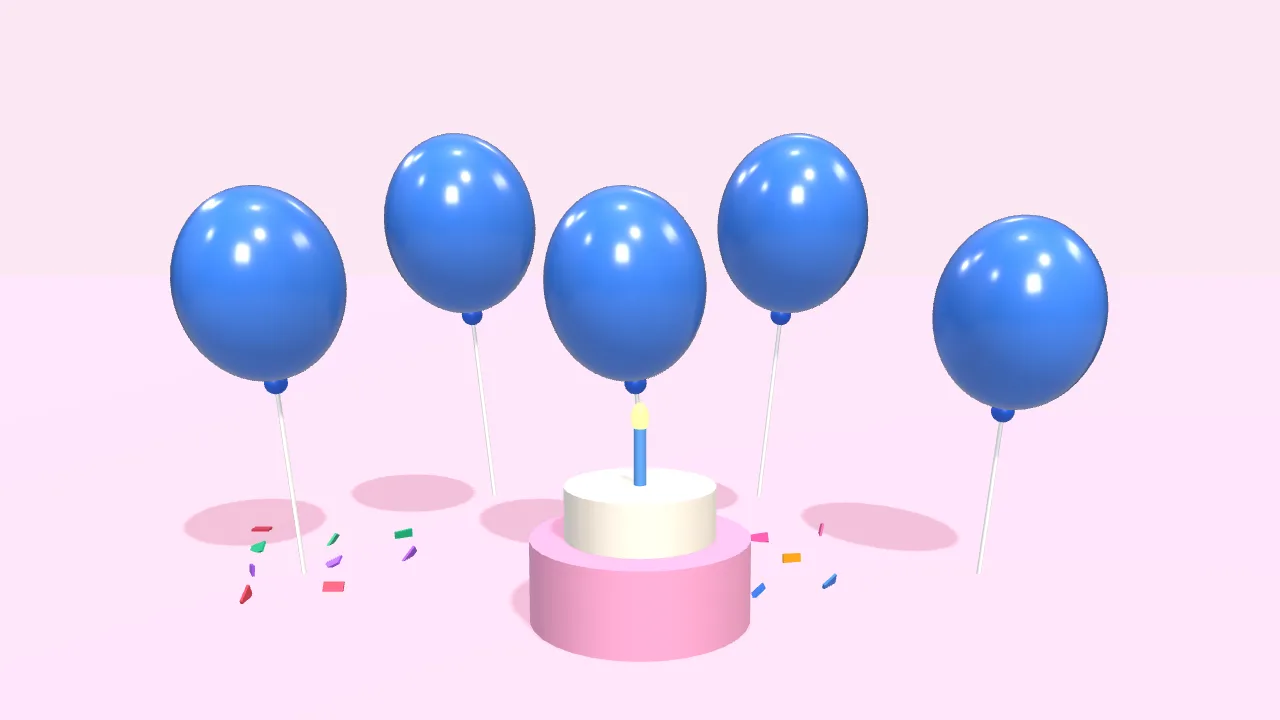
Bigger text in yellow, and make the balloons blue
- Larger font size
- Color white → yellow
- Balloons → blue
You say:
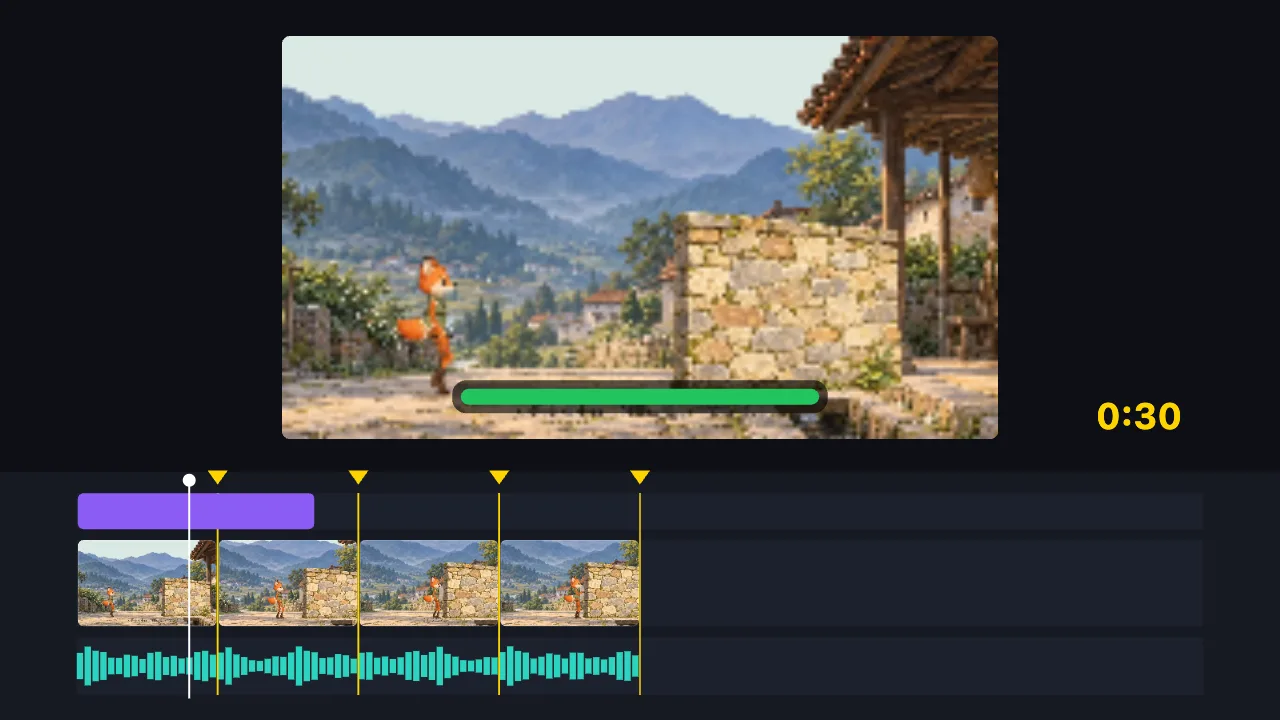
Cut this 2-minute clip to 30 seconds on the music beats, and add a title
- Find the music beats
- Split into 8 parts on the beats, drop the dull ones
- Add the title
- Export the 30-second video
You say:
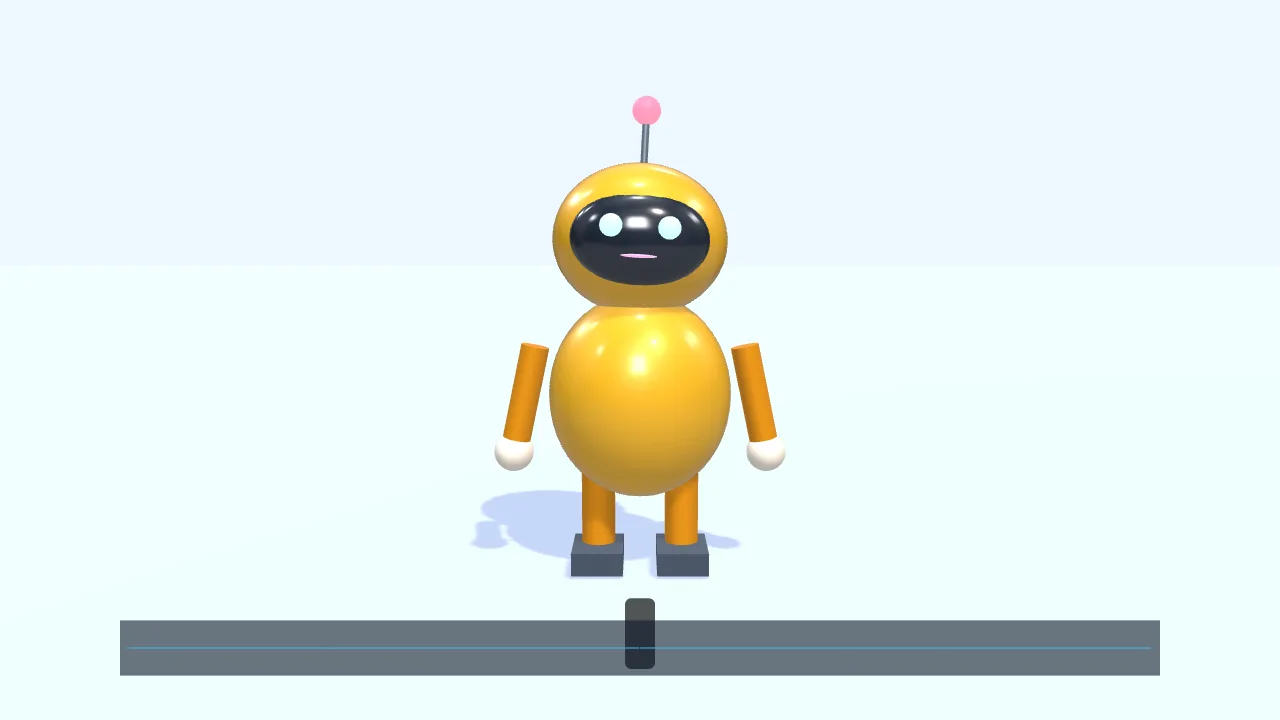
Have a character walk in from the left and talk along with this voice clip
- Add a small 3D robot
- Walk to the center and wave
- Drop in a voice clip
- The mouth opens and closes with the voice
- Add subtitles
You say:
Make a gold gift box spin once, then show “New arrival”
- Create a 3D scene
- Add a gift box
- Give it a gold metal finish
- Add two lights
- Spin it once
- Show “New arrival”
You say:
Add a “New arrival” title animation over the gift box
- Add a built-in title motion
- Set the title to “New arrival”
- Export the 8-second video
No video-generation model and no queue: the AI writes a timeline, and your browser draws it.
The AI can’t: generate real live-action footage · fix blurry video · remove existing watermarks · create a 3D model file from nothing
Turn a piece of text into an animated video. Paste your copy and the AI splits it into lines, lays them out and adds entrance animations and transitions, ready to publish. No footage, no sign-up, no watermark.
All you have is some text — an announcement, a quote, three product selling points — and you want to post it as a video. That is what this page does.
Paste the text and the AI splits it into lines, decides how long each one stays on screen, and picks entrance animations and transitions to suit. The text is drawn as vectors, so it stays sharp at any export size.
Afterwards the font, color, animation and pacing are all yours to adjust — or just say “faster pace” or “dark background” and let the AI change it.
FAQ
- How much text can I put in?
- There is no hard limit, but a short video works best with a handful of sentences. Too much text shortens how long each line stays up, and viewers can’t keep up.
- Can it read the text aloud?
- The editor has no text-to-speech of its own. Record the narration yourself with the voice-over tool, or import audio you already have; if there is a walking character in the picture, its mouth can open and close with that voice.
- Can I change the background?
- Yes. Use a solid color or a gradient, ask the AI to make a motion-graphics or 3D scene as the backdrop, or import your own image.
- Can I use the result commercially?
- The copyright in your text is yours, and the built-in text animations and graphics are free to use. We claim no rights over the finished video.
- How is this different from turning slides into a video?
- Slides-to-video records pages you have already laid out; here you start from plain text and the AI decides the layout and animation, which suits vertical short videos better.