
AI storyboard
Break an idea into shots: length, picture, lines.
People often say Make a 10-second birthday greeting with colorful balloons floating upCut the first 10 seconds and add a title cardAdd subtitles to this clip


You say:
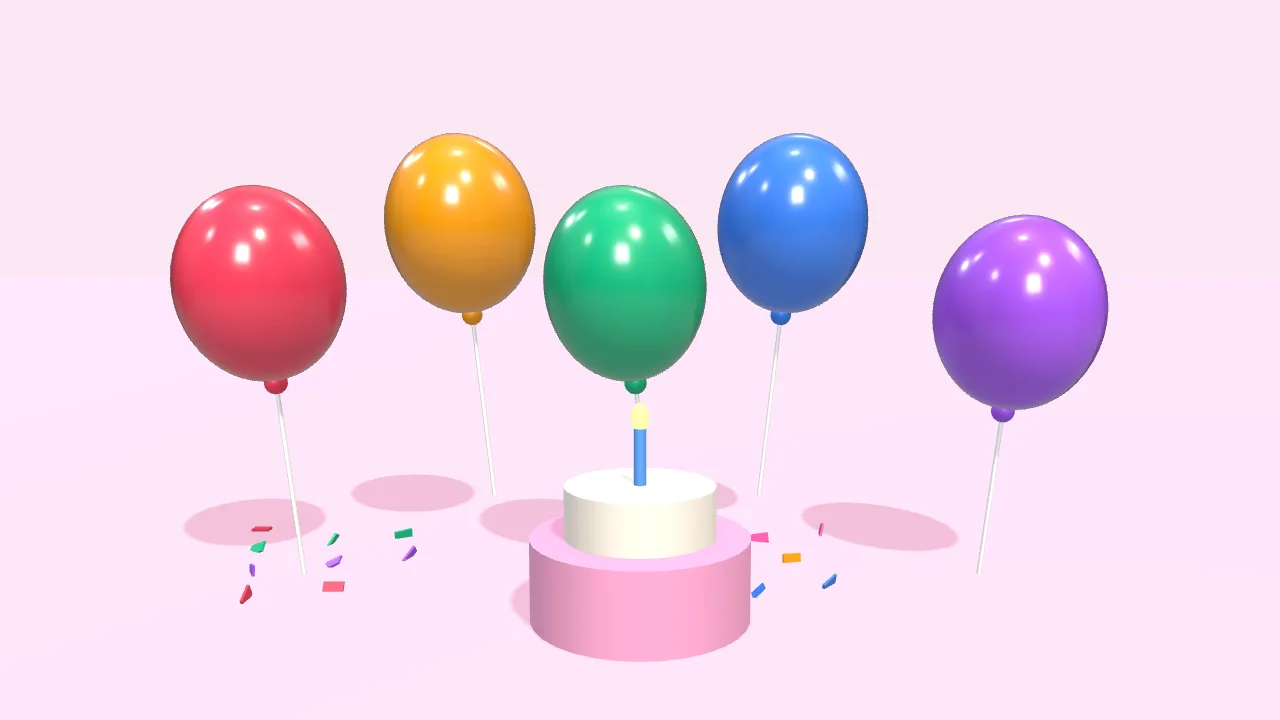
Make a 10-second birthday greeting: colorful balloons float up, then “Happy Birthday” appears
- Set up a 3D scene
- Add 5 balloons that float up
- Add a cake and falling confetti
- Add the text with a pop-in
- Export the 10-second video
You say:
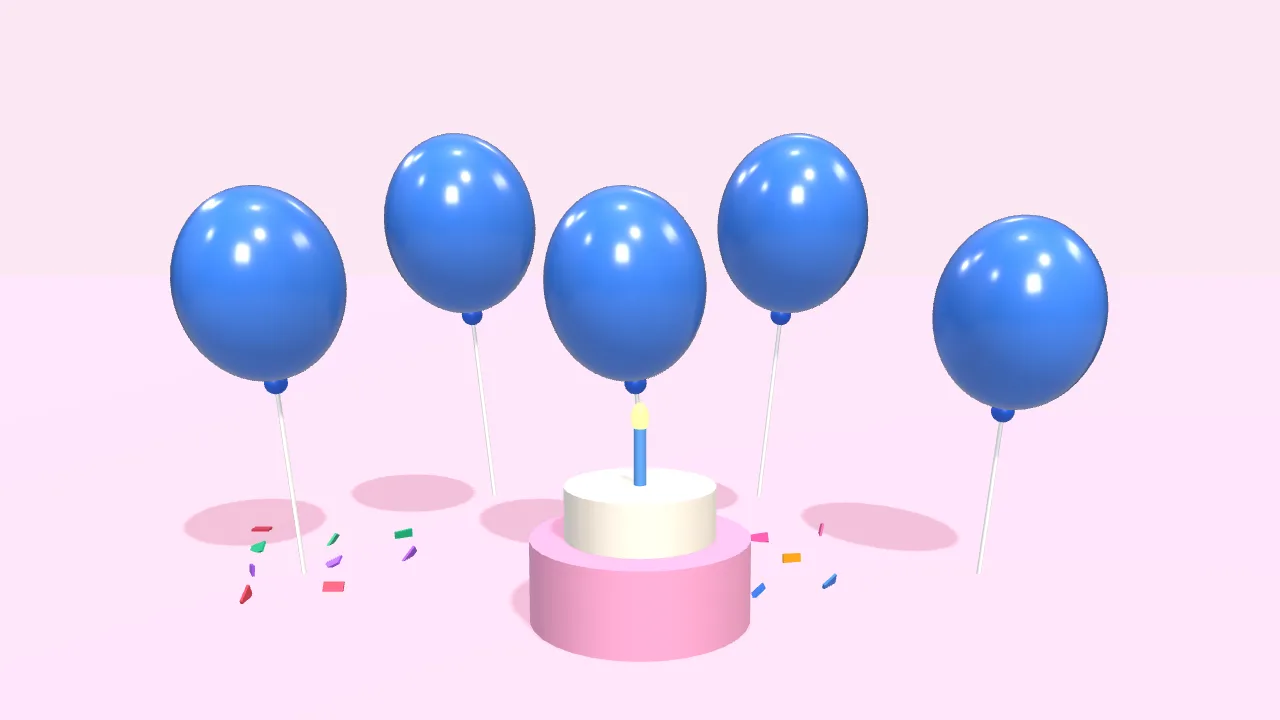
Bigger text in yellow, and make the balloons blue
- Larger font size
- Color white → yellow
- Balloons → blue
You say:
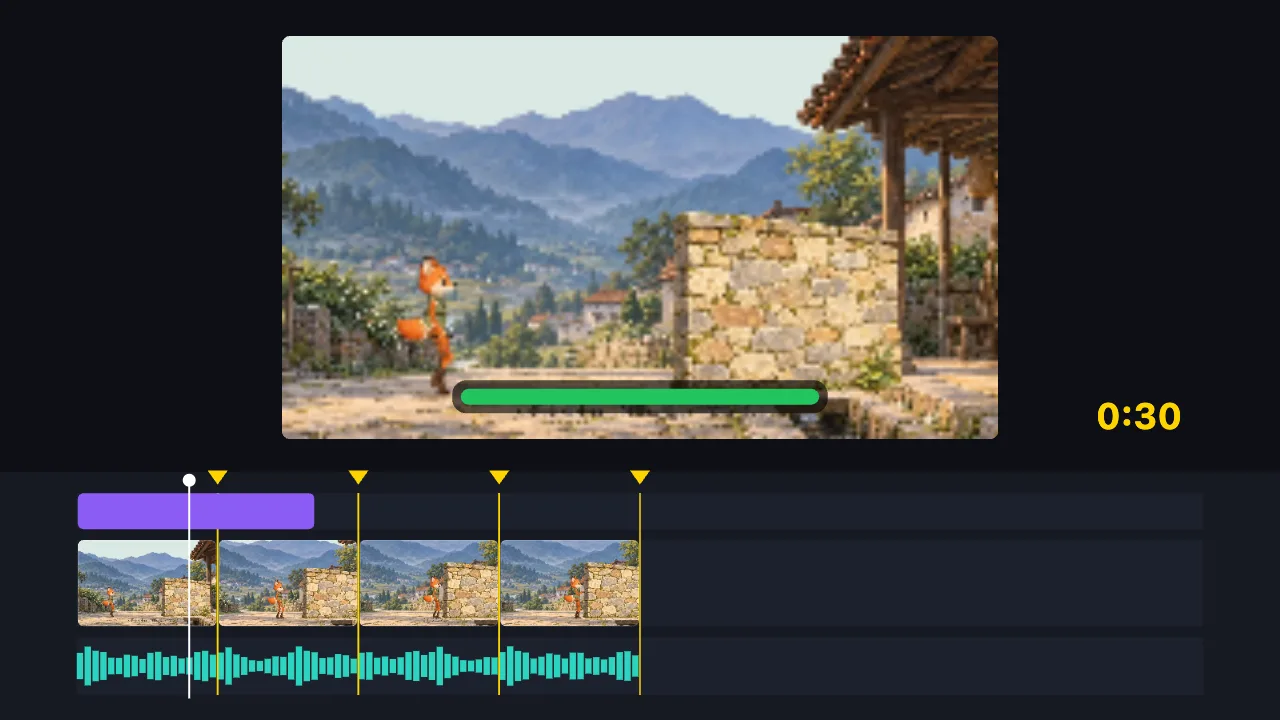
Cut this 2-minute clip to 30 seconds on the music beats, and add a title
- Find the music beats
- Split into 8 parts on the beats, drop the dull ones
- Add the title
- Export the 30-second video
You say:
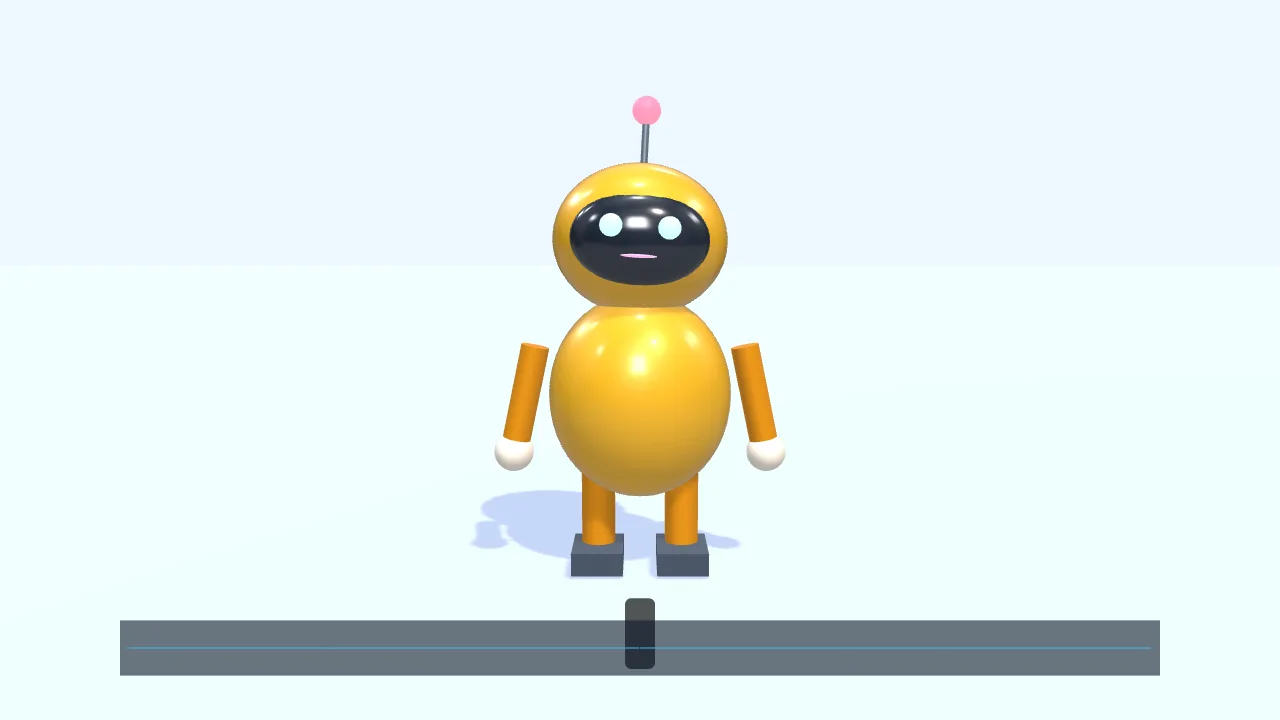
Have a character walk in from the left and talk along with this voice clip
- Add a small 3D robot
- Walk to the center and wave
- Drop in a voice clip
- The mouth opens and closes with the voice
- Add subtitles
You say:
Make a gold gift box spin once, then show “New arrival”
- Create a 3D scene
- Add a gift box
- Give it a gold metal finish
- Add two lights
- Spin it once
- Show “New arrival”
You say:
Add a “New arrival” title animation over the gift box
- Add a built-in title motion
- Set the title to “New arrival”
- Export the 8-second video
No video-generation model and no queue: the AI writes a timeline, and your browser draws it.
The AI can’t: generate real live-action footage · fix blurry video · remove existing watermarks · create a 3D model file from nothing
Have the AI break your idea into shots: how long each one runs, what’s on screen, what’s said. It can also lay out an existing video as a contact sheet so you see the pacing of the whole piece. Free, no sign-up.
Thinking the shots through before you make them saves a lot of redoing. A storyboard breaks an idea into “which shot, how long, what’s shown, what’s said”.
Tell the AI your idea and it breaks it into shots, one frame at a time. Once you’re happy, have it build the timeline straight from the storyboard, one segment per shot, then swap in your footage or carry on animating.
It works the other way too: an edited video can be laid out as a contact sheet — key frames in a grid, each labelled with its timecode — so you can see the pacing of the whole piece at a glance.
FAQ
- Can the storyboard become a timeline?
- Yes. Ask the AI to build the timeline from the storyboard, one segment per shot, timed as planned. Then swap in your own footage, or have it carry on and animate it.
- Does it draw sketches of the shots?
- It doesn’t draw realistic sketches. But the AI can rough out each shot with shapes, text or simple 3D forms, as a visual reference.
- What is a contact sheet?
- A number of key frames from the video tiled into one tall image, each labelled with its timecode underneath. Use it to review the structure quickly, pick a cover frame, or show someone how the edit is put together.
- Do I need to sign in?
- No. The contact sheet is made locally in your browser; having the AI break down shots needs an internet connection, but no sign-in either.
- Can I change the storyboard?
- Every part: shot description, length and order. It gives you a starting point, not a list you aren’t allowed to touch.