
Subtitles, written for you
The AI listens to your video and writes timed subtitles (sign-in needed).
People often say Make a 10-second birthday greeting with colorful balloons floating upCut the first 10 seconds and add a title cardAdd subtitles to this clip



You say:
Make a 10-second birthday greeting: colorful balloons float up, then “Happy Birthday” appears
- Set up a 3D scene
- Add 5 balloons that float up
- Add a cake and falling confetti
- Add the text with a pop-in
- Export the 10-second video
You say:
Bigger text in yellow, and make the balloons blue
- Larger font size
- Color white → yellow
- Balloons → blue
You say:
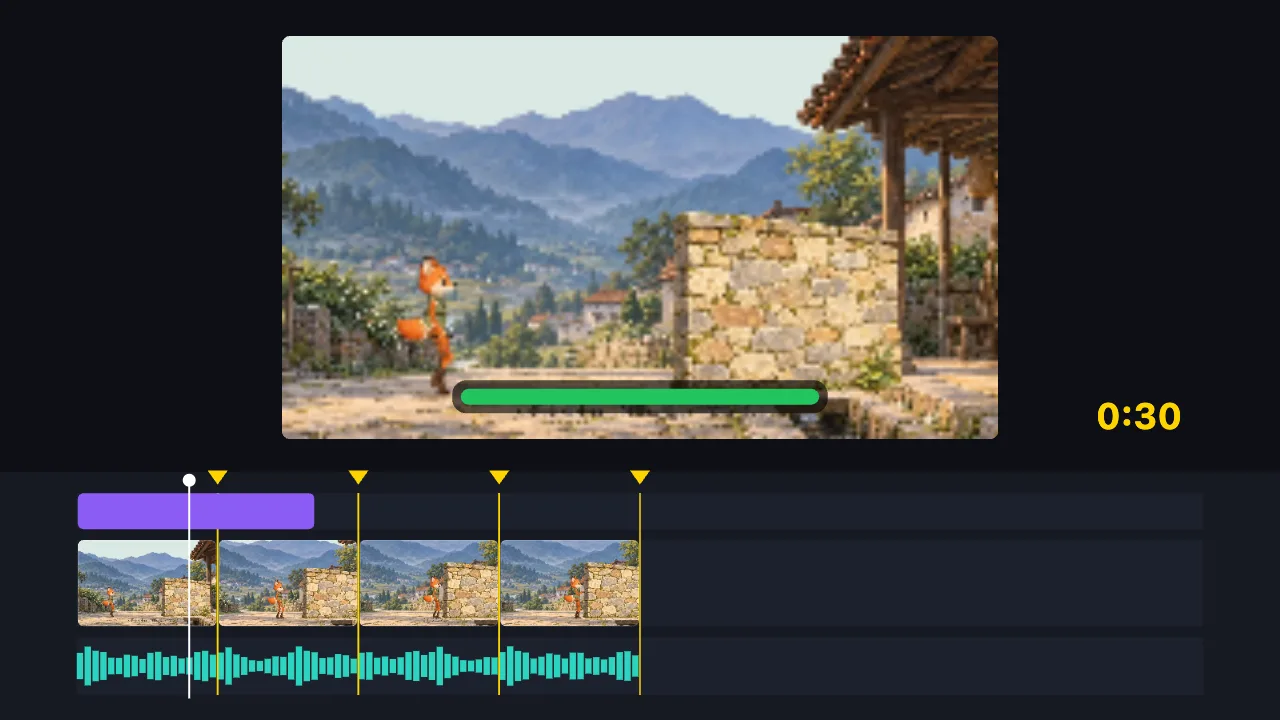
Cut this 2-minute clip to 30 seconds on the music beats, and add a title
- Find the music beats
- Split into 8 parts on the beats, drop the dull ones
- Add the title
- Export the 30-second video
You say:
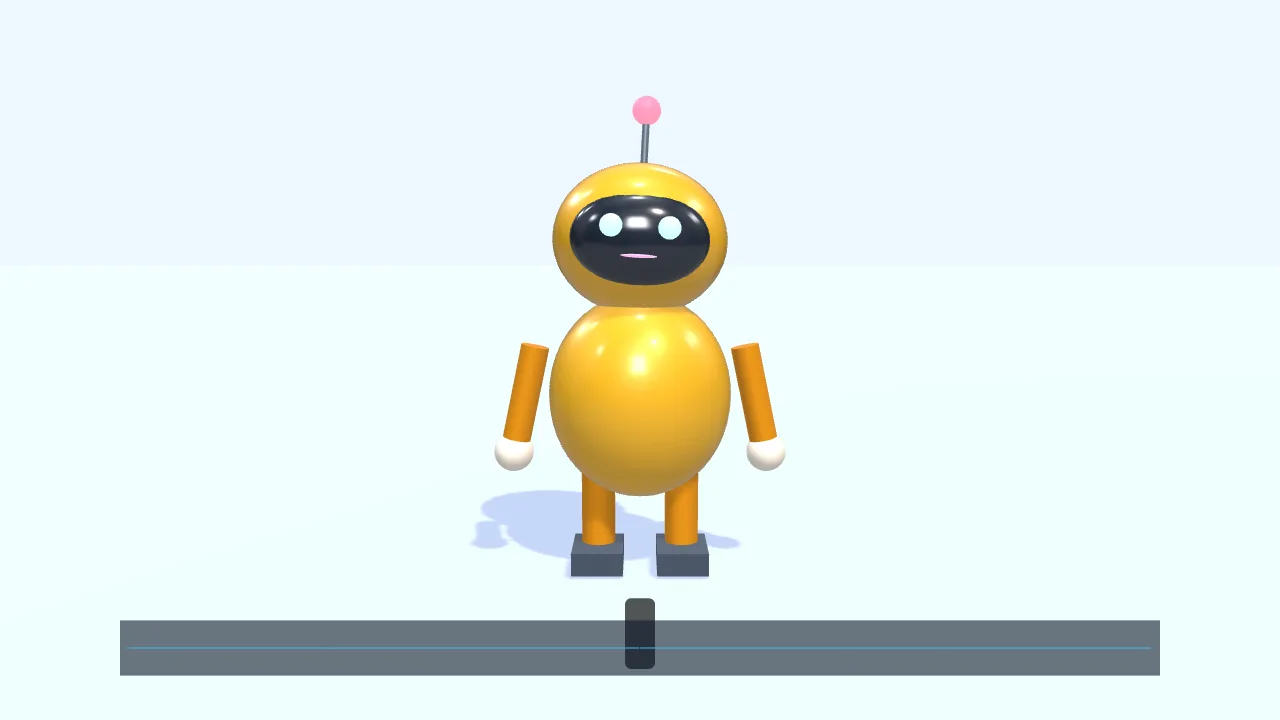
Have a character walk in from the left and talk along with this voice clip
- Add a small 3D robot
- Walk to the center and wave
- Drop in a voice clip
- The mouth opens and closes with the voice
- Add subtitles
You say:
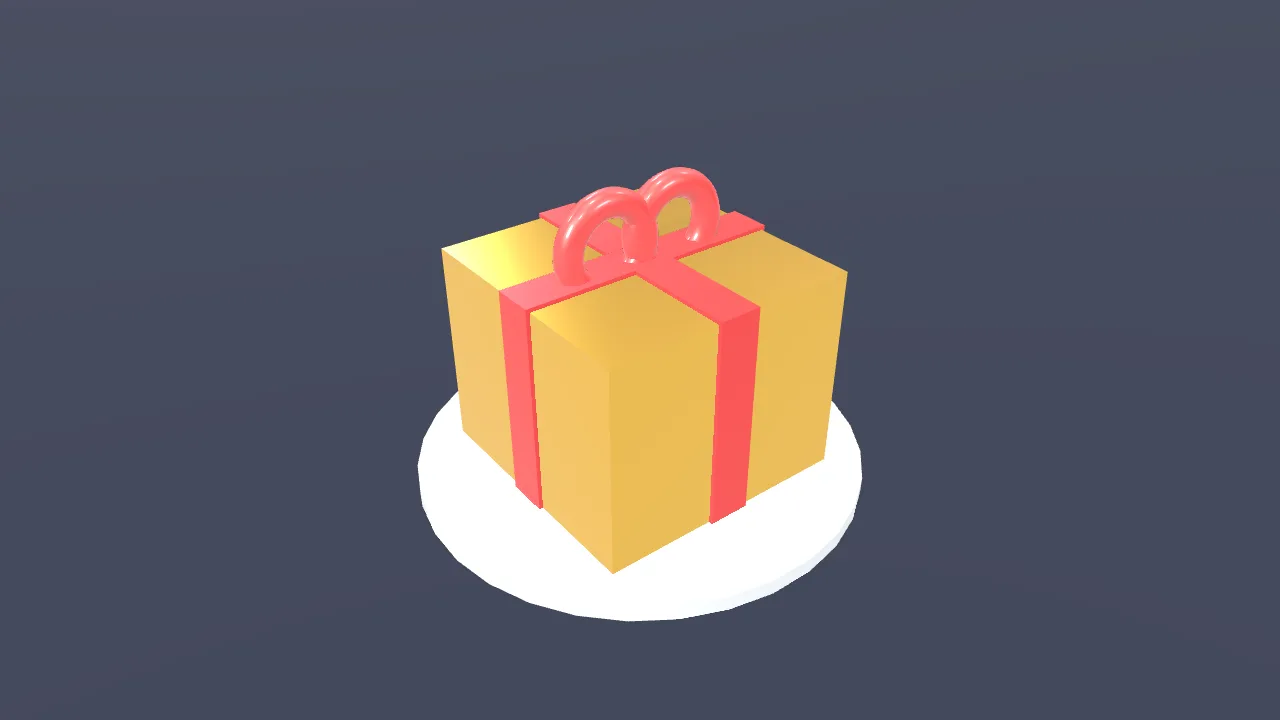
Make a gold gift box spin once, then show “New arrival”
- Create a 3D scene
- Add a gift box
- Give it a gold metal finish
- Add two lights
- Spin it once
- Show “New arrival”
You say:
Add a “New arrival” title animation over the gift box
- Add a built-in title motion
- Set the title to “New arrival”
- Export the 8-second video
No video-generation model and no queue: the AI writes a timeline, and your browser draws it.
The AI can’t: generate real live-action footage · fix blurry video · remove existing watermarks · create a 3D model file from nothing
The AI listens and writes the subtitles, timed to the speech. This one needs signing in — the audio goes into your TutuDrive for the AI to hear — and that is stated here rather than discovered halfway through.
Typing subtitles by hand is the single most tedious job in editing, and it is also the one that most affects how many people watch to the end.
The AI transcribes the speech and times each line. You correct what it got wrong, which is far faster than writing from nothing.
This is one of the few things that needs an account, because the AI hears the audio from your TutuDrive, and the drive belongs to an account. The usage allowance is shown in the assistant. Without an account, the subtitle page lets you type subtitles by hand, free.
FAQ
- Why does this one need an account?
- Because the AI hears the audio from your TutuDrive, and the drive belongs to an account. Everything that runs in your browser stays account-free.
- How much is free?
- The allowance is set by the AI service and shown in the assistant — this site does not count it separately.
- Which languages does it handle?
- The common ones, and it can translate as well as transcribe.
- Can I fix its mistakes?
- Yes, every line is editable, and you can export the result as SRT.
- Can I write subtitles without an account?
- Yes — the SRT subtitle maker on this site is entirely free and needs nothing.