
A character that talks along with your voice
Record or import a voice, and the character’s mouth follows it.
People often say Make a 10-second birthday greeting with colorful balloons floating upCut the first 10 seconds and add a title cardAdd subtitles to this clip




You say:
Make a 10-second birthday greeting: colorful balloons float up, then “Happy Birthday” appears
- Set up a 3D scene
- Add 5 balloons that float up
- Add a cake and falling confetti
- Add the text with a pop-in
- Export the 10-second video
You say:
Bigger text in yellow, and make the balloons blue
- Larger font size
- Color white → yellow
- Balloons → blue
You say:
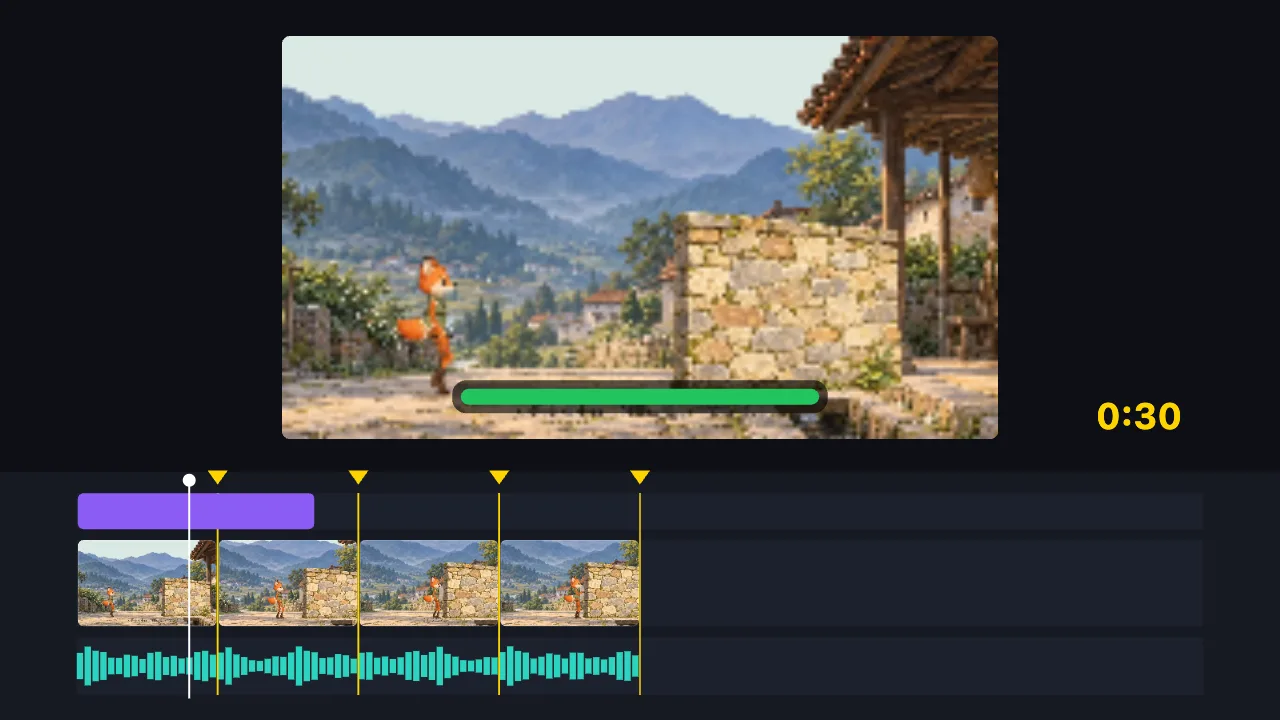
Cut this 2-minute clip to 30 seconds on the music beats, and add a title
- Find the music beats
- Split into 8 parts on the beats, drop the dull ones
- Add the title
- Export the 30-second video
You say:
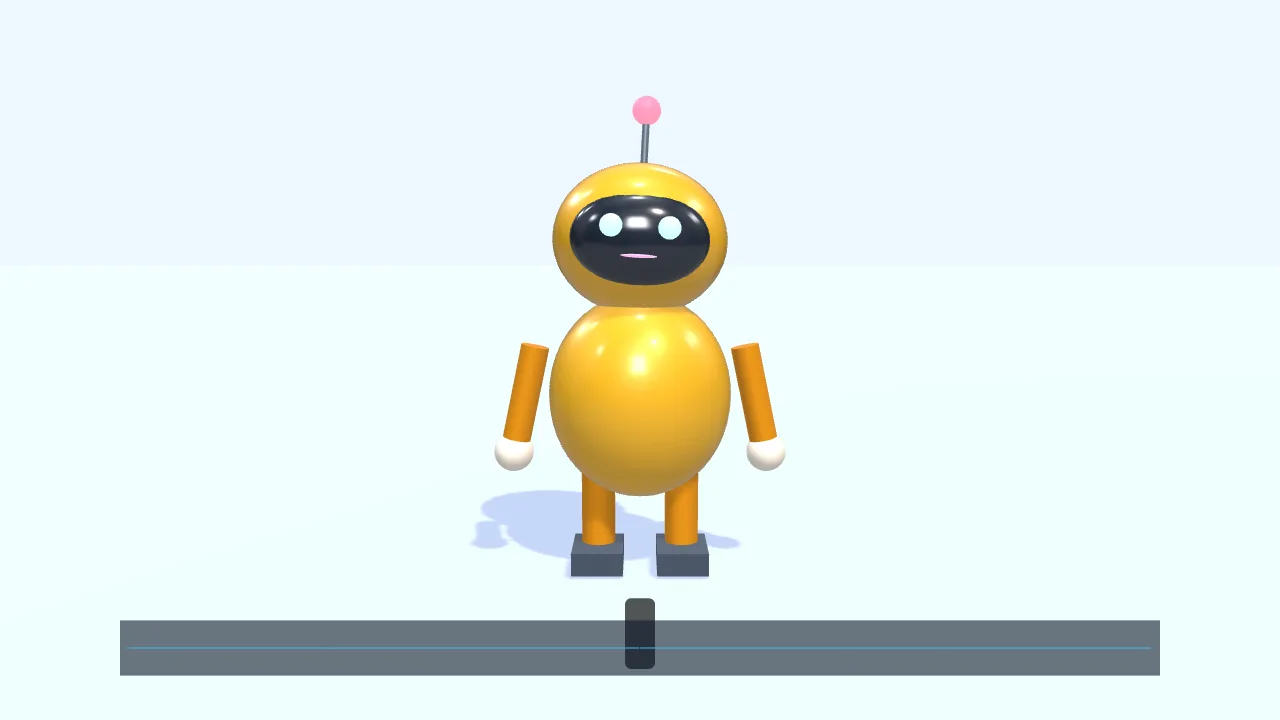
Have a character walk in from the left and talk along with this voice clip
- Add a small 3D robot
- Walk to the center and wave
- Drop in a voice clip
- The mouth opens and closes with the voice
- Add subtitles
You say:
Make a gold gift box spin once, then show “New arrival”
- Create a 3D scene
- Add a gift box
- Give it a gold metal finish
- Add two lights
- Spin it once
- Show “New arrival”
You say:
Add a “New arrival” title animation over the gift box
- Add a built-in title motion
- Set the title to “New arrival”
- Export the 8-second video
No video-generation model and no queue: the AI writes a timeline, and your browser draws it.
The AI can’t: generate real live-action footage · fix blurry video · remove existing watermarks · create a 3D model file from nothing
Add a voice — record it or import audio — and the character’s mouth opens and closes with it, free and with no sign-in. The mouth switches between several shapes by loudness and rhythm, worked out in your browser, so the audio is not uploaded for it. It follows the sound, not each word exactly.
A character standing still and a character that speaks look very different. Say “have a character walk in from the left and talk along with this voice clip”, and the AI places the character, walks it to the center, hooks up the voice and adds subtitles.
Start with a voice: record one yourself or import audio you have, then give it to the character. The mouth opens and closes with the loudness and rhythm of the sound, switching between several shapes, and closes when the sound stops. The lip sync is worked out in your browser, and the audio is not uploaded for it.
Several characters can each talk along with their own voice track, without crossing over. To be clear: it follows the rise and fall of the sound, not each word from a script, so up close it won’t match every sound the way professional lip-sync animation does; and it only makes drawn characters talk — it does not make a real person in a photo or video “speak”.
FAQ
- Does the mouth match each word exactly?
- No. It follows the loudness and rhythm of the sound, switching between several mouth shapes. It looks natural from a distance, but up close not every sound will line up.
- Where does the voice come from?
- Record it yourself, or import an audio file you already have. The editor has no text-to-speech of its own.
- Can several characters have a conversation?
- Yes. Each character follows its own voice track without picking up the others; let them take turns and you have a conversation.
- Can it make a real person in a photo or video talk?
- No. It only makes drawn characters talk; it does not work on real people’s faces.
- Do I need to sign in? Is the audio uploaded?
- No sign-in. The lip sync is worked out in your browser, and the audio is not uploaded for it.