
Anything you can do, you can ask for
Anything you can do by hand, the AI can do too.
People often say Make a 10-second birthday greeting with colorful balloons floating upCut the first 10 seconds and add a title cardAdd subtitles to this clip



You say:
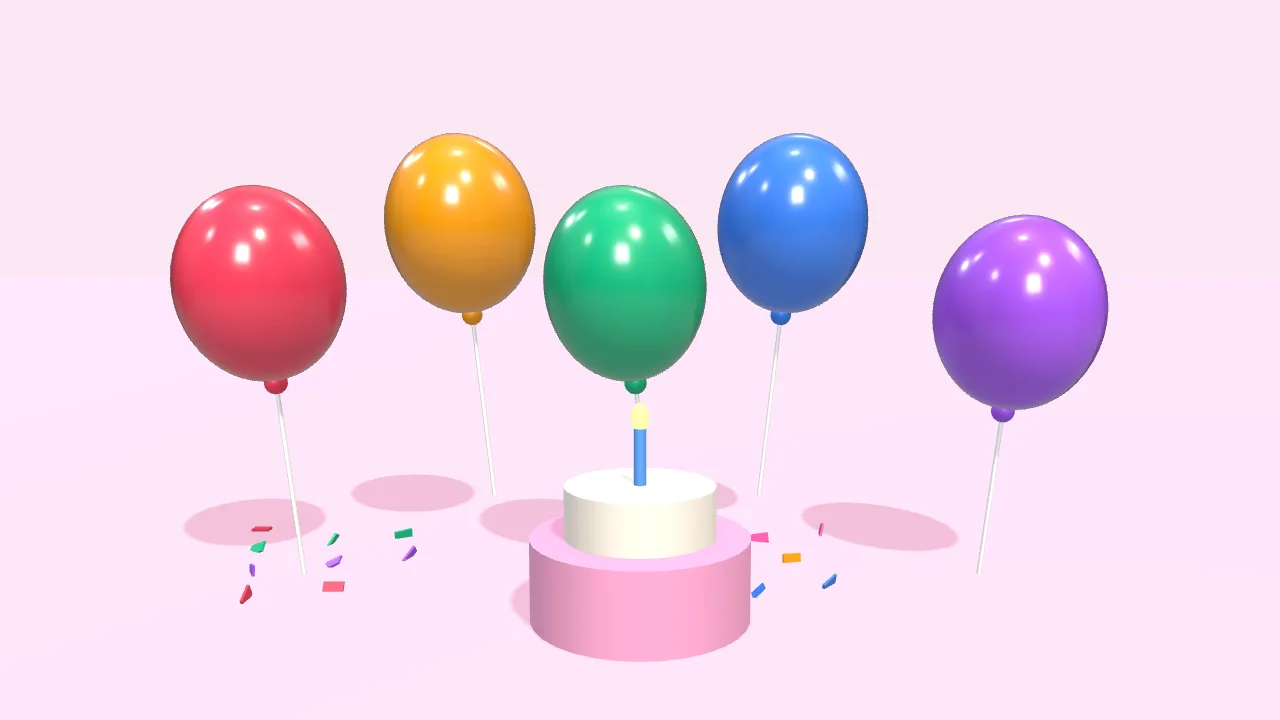
Make a 10-second birthday greeting: colorful balloons float up, then “Happy Birthday” appears
- Set up a 3D scene
- Add 5 balloons that float up
- Add a cake and falling confetti
- Add the text with a pop-in
- Export the 10-second video
You say:
Bigger text in yellow, and make the balloons blue
- Larger font size
- Color white → yellow
- Balloons → blue
You say:
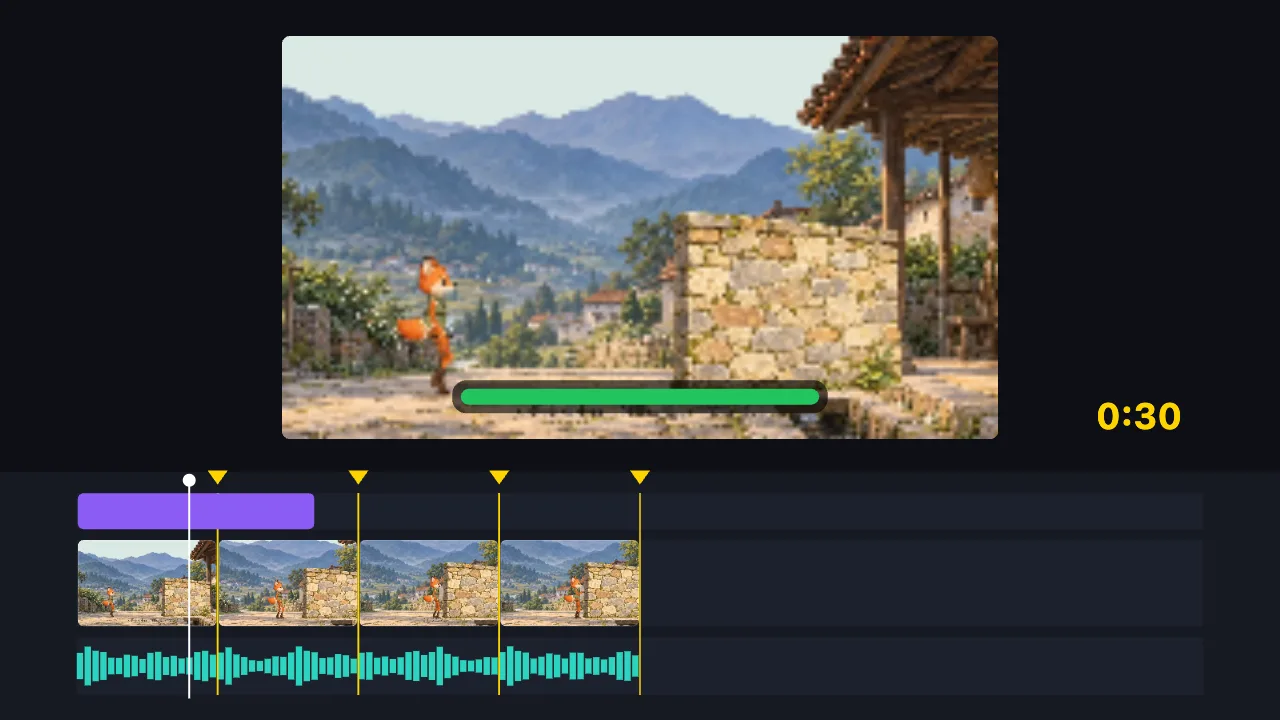
Cut this 2-minute clip to 30 seconds on the music beats, and add a title
- Find the music beats
- Split into 8 parts on the beats, drop the dull ones
- Add the title
- Export the 30-second video
You say:
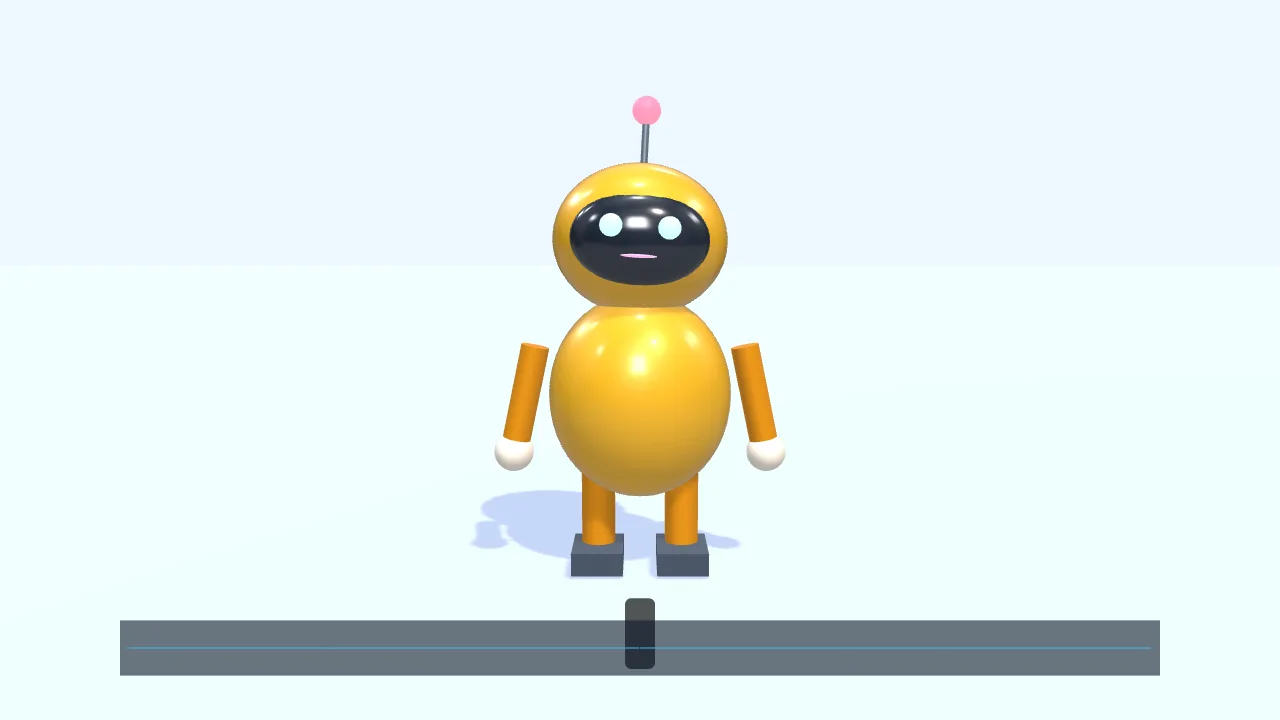
Have a character walk in from the left and talk along with this voice clip
- Add a small 3D robot
- Walk to the center and wave
- Drop in a voice clip
- The mouth opens and closes with the voice
- Add subtitles
You say:
Make a gold gift box spin once, then show “New arrival”
- Create a 3D scene
- Add a gift box
- Give it a gold metal finish
- Add two lights
- Spin it once
- Show “New arrival”
You say:
Add a “New arrival” title animation over the gift box
- Add a built-in title motion
- Set the title to “New arrival”
- Export the 8-second video
No video-generation model and no queue: the AI writes a timeline, and your browser draws it.
The AI can’t: generate real live-action footage · fix blurry video · remove existing watermarks · create a 3D model file from nothing
Text, picture, audio, characters, transitions, effects, export — anything you can do by hand in the interface, the AI can do too. That’s not a slogan: an automated test checks it item by item, and the build fails if one is missing. Free, no sign-up.
In many products the AI can do a handful of things and you do the rest. The rule here is “whatever you can do by hand in the interface, the AI must be able to do too, 100%” — and that sentence is written as a test that turns red when it breaks.
The AI works on your project through 16 tools: see what’s there, read, write something new, change one spot, search, match, undo, listen to audio, make subtitles, import media, replace media, extract, look at a frame, export, run a command, check progress.
It changes the project by writing the timeline directly — like editing a structured document. So it isn’t limited to a few preset actions; it can do anything you can do in the interface.
FAQ
- What does that “test that turns red” mean?
- It scans every public operation in the editor and checks, one by one, whether the AI has a way to do it. If someone adds a new button without thinking about how the AI would do it, the test fails and the code can’t be merged.
- Is there anything the AI deliberately doesn’t do?
- Yes. Pure view actions — toggling the grid, zooming the timeline — are left alone; they would only disturb your screen and don’t change the finished video.
- Can AI actions be undone?
- Yes. Each action counts as one step; Ctrl+Z works, exactly as it does for your own edits.
- Can I edit myself while the AI helps?
- Yes — you both work on the same project. Make your own changes, and hand it any step whenever you like.
- Can I still change what the AI did by hand?
- Yes, it’s the same project. The AI just does the work for you; afterwards you can drag and adjust everything yourself.