
AI Motion Graphics
Say one sentence and the AI writes an animation into your video
People often say Make a 10-second birthday greeting with colorful balloons floating upCut the first 10 seconds and add a title cardAdd subtitles to this clip



You say:
Make a 10-second birthday greeting: colorful balloons float up, then “Happy Birthday” appears
- Set up a 3D scene
- Add 5 balloons that float up
- Add a cake and falling confetti
- Add the text with a pop-in
- Export the 10-second video
You say:
Bigger text in yellow, and make the balloons blue
- Larger font size
- Color white → yellow
- Balloons → blue
You say:
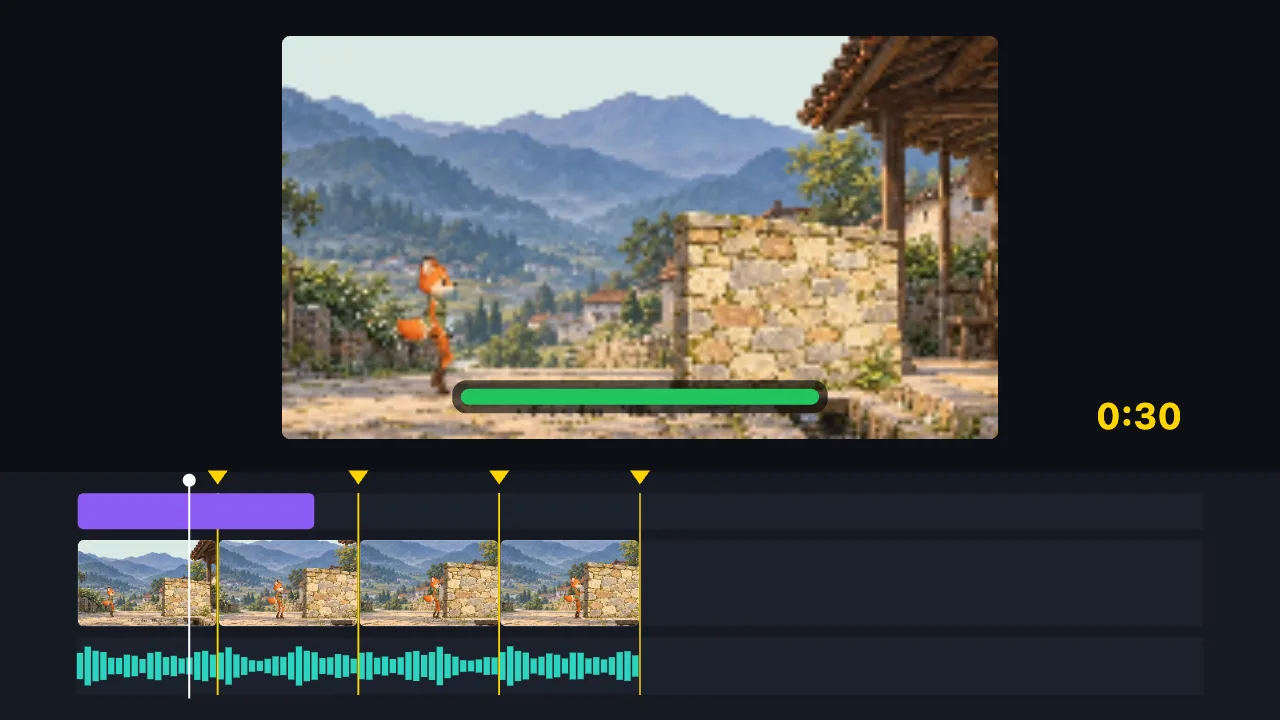
Cut this 2-minute clip to 30 seconds on the music beats, and add a title
- Find the music beats
- Split into 8 parts on the beats, drop the dull ones
- Add the title
- Export the 30-second video
You say:
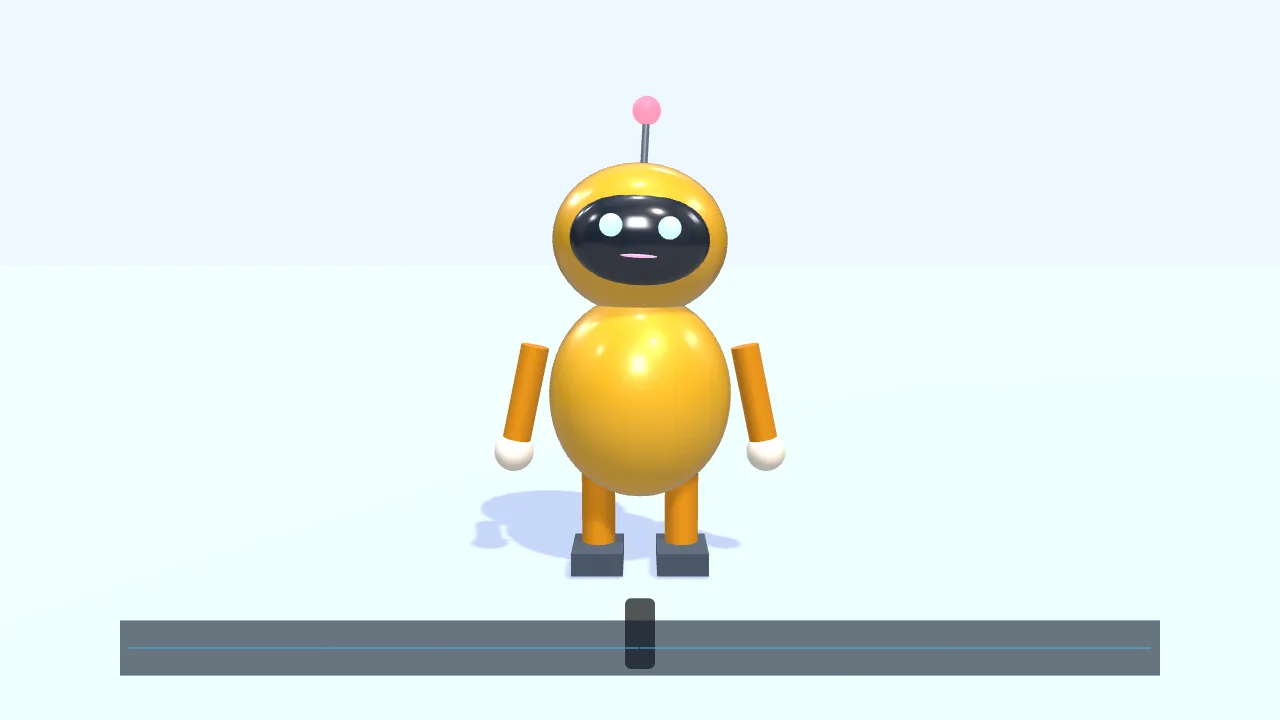
Have a character walk in from the left and talk along with this voice clip
- Add a small 3D robot
- Walk to the center and wave
- Drop in a voice clip
- The mouth opens and closes with the voice
- Add subtitles
You say:
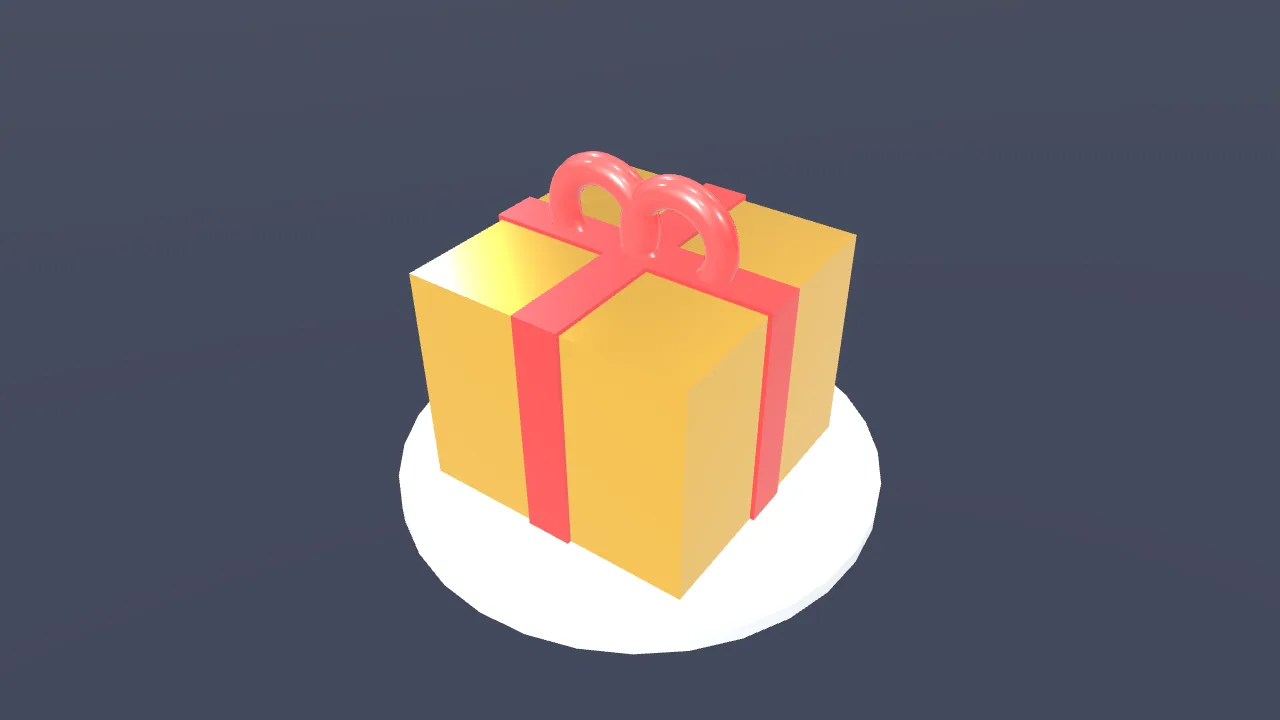
Make a gold gift box spin once, then show “New arrival”
- Create a 3D scene
- Add a gift box
- Give it a gold metal finish
- Add two lights
- Spin it once
- Show “New arrival”
You say:
Add a “New arrival” title animation over the gift box
- Add a built-in title motion
- Set the title to “New arrival”
- Export the 8-second video
No video-generation model and no queue: the AI writes a timeline, and your browser draws it.
The AI can’t: generate real live-action footage · fix blurry video · remove existing watermarks · create a 3D model file from nothing
Describe the motion you want and the AI writes it as a web animation on your timeline. Text, colors and code stay editable, layered over your video and exported as MP4.
Tell the AI what you want: a big opening title, a slogan that appears word by word, a countdown, a data growth chart, a name banner, or an idea entirely your own. The AI asks what it needs to know, builds it from a built-in template or writes the code, puts it on the timeline, and shows you a frame when it is done.
What you get is an editable motion clip: change the text and colors in the settings panel, and see and edit the code in the code dialog. If something is not right, keep talking to the AI; it edits the code and checks the result again.
Motion clips have a transparent background, sit on top of your video and export with everything else as MP4 or GIF. The preview is exactly what you export.
FAQ
- Does the AI make a video or code?
- Code: a web animation (Canvas, SVG, GSAP or Three.js) that draws frames by time. When you export, the editor draws it frame by frame into the video, so you can change it at any time.
- What if the animation has an error?
- The preview and the clip show that something went wrong. Click “Ask AI to fix” and the AI reads the error and the code, fixes it and takes another frame to confirm.
- Can it do 3D?
- Yes. Three.js is built in, so the AI can write a 3D motion clip. For placing models and lights, the editor’s 3D scene feature is a better fit.
- Do I need to sign in?
- No, you can use it right away without signing in.
- Can I add it to my own video?
- Yes. Put your video on the timeline first, then ask the AI to add motion; it is layered on top of the video, and its position, size and timing can all be changed.