
Say one sentence, get an edit
Drop in footage, say one sentence — trims, captions, music.
People often say Make a 10-second birthday greeting with colorful balloons floating upCut the first 10 seconds and add a title cardAdd subtitles to this clip
You say:
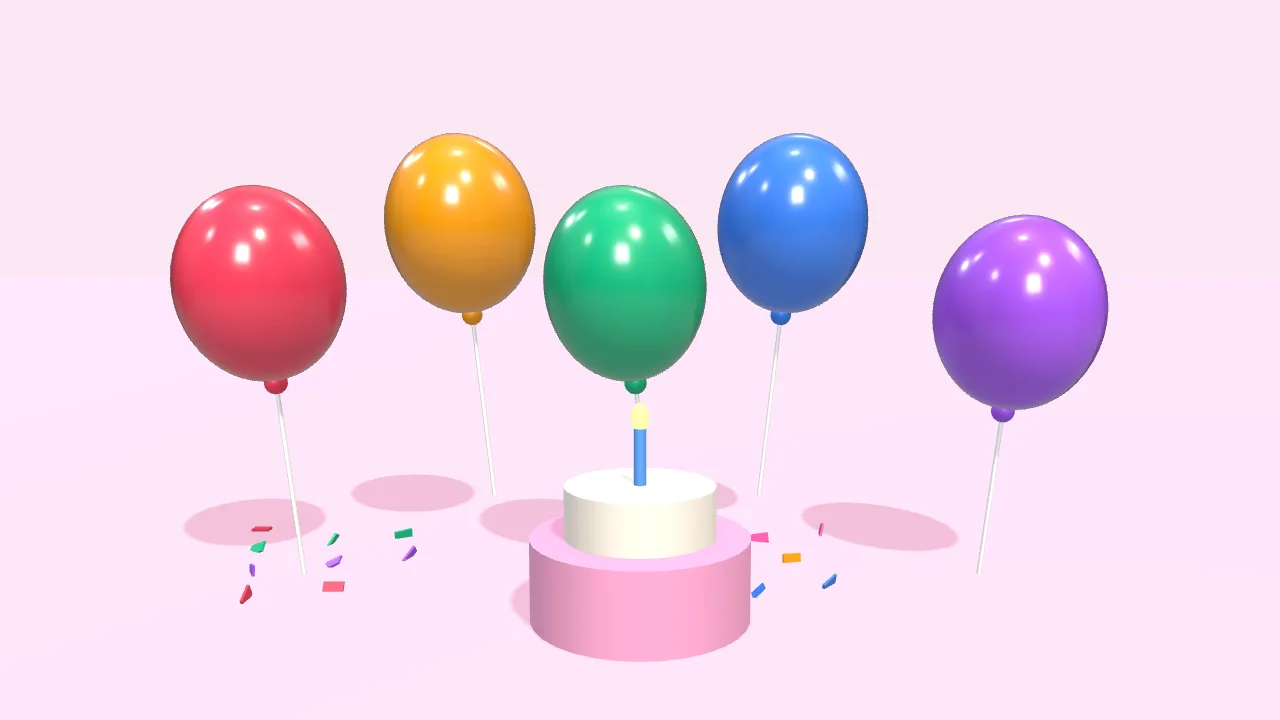
Make a 10-second birthday greeting: colorful balloons float up, then “Happy Birthday” appears
- Set up a 3D scene
- Add 5 balloons that float up
- Add a cake and falling confetti
- Add the text with a pop-in
- Export the 10-second video
You say:
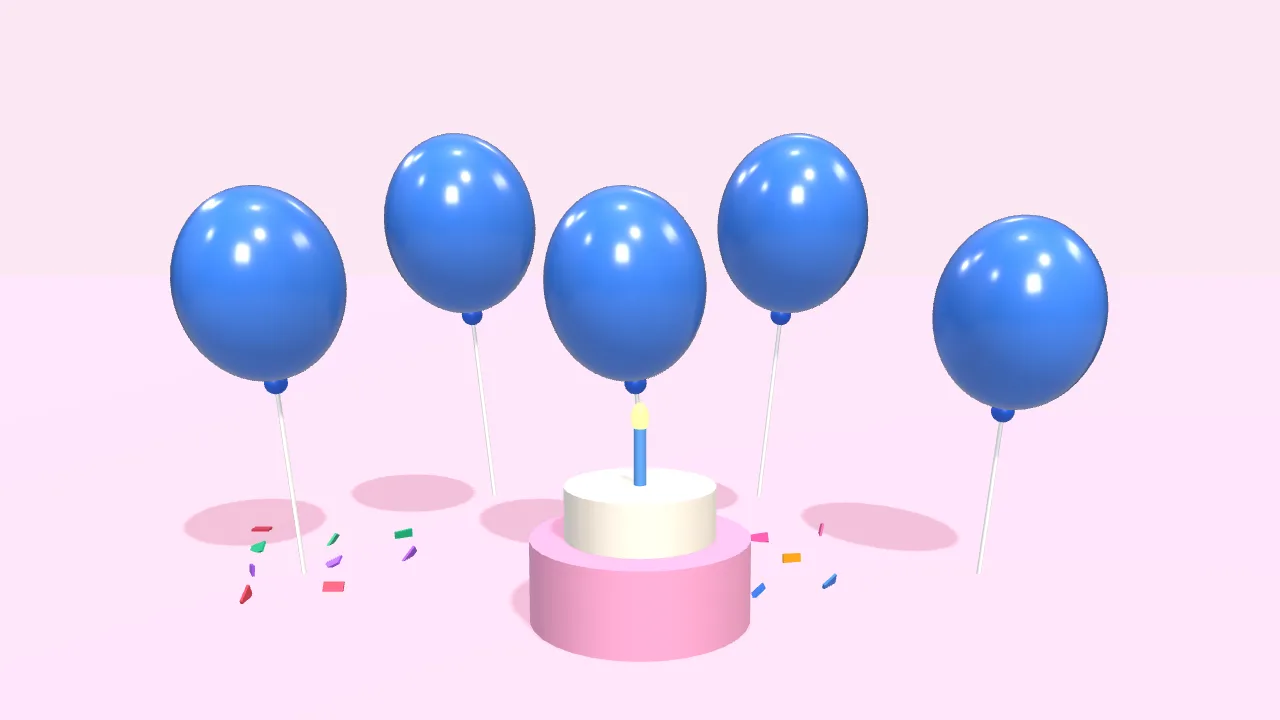
Bigger text in yellow, and make the balloons blue
- Larger font size
- Color white → yellow
- Balloons → blue
You say:
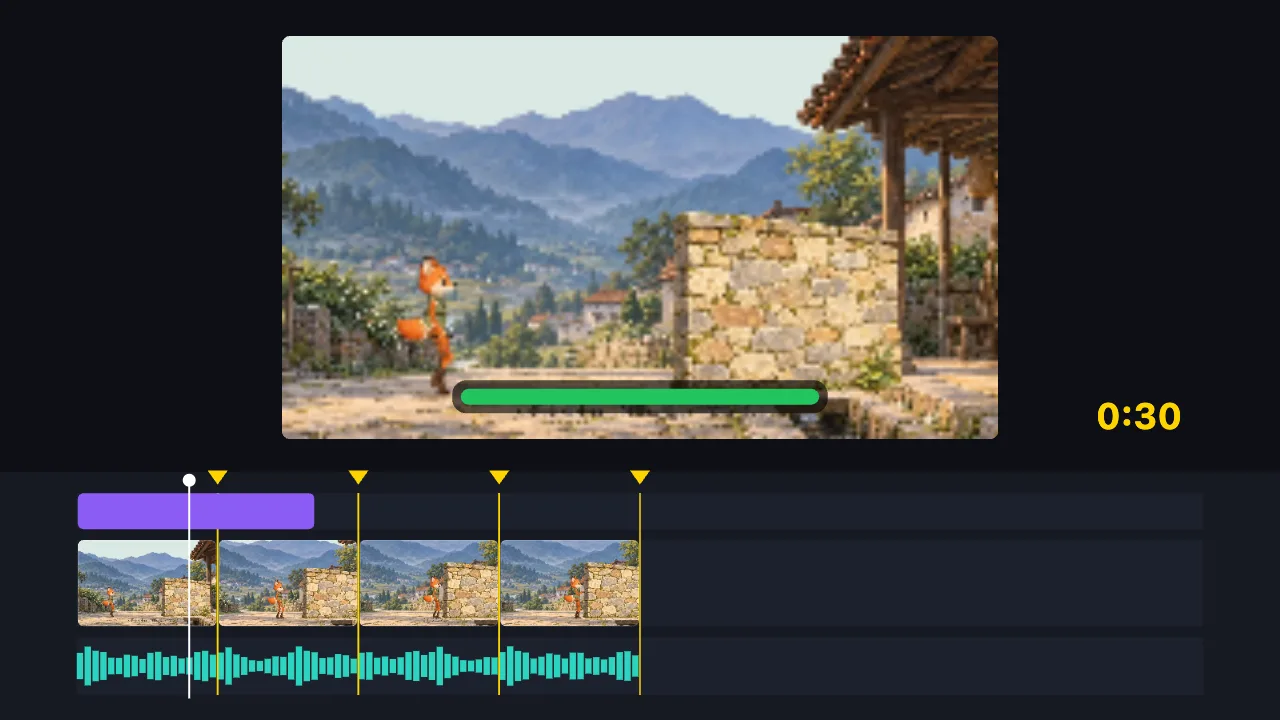
Cut this 2-minute clip to 30 seconds on the music beats, and add a title
- Find the music beats
- Split into 8 parts on the beats, drop the dull ones
- Add the title
- Export the 30-second video
You say:
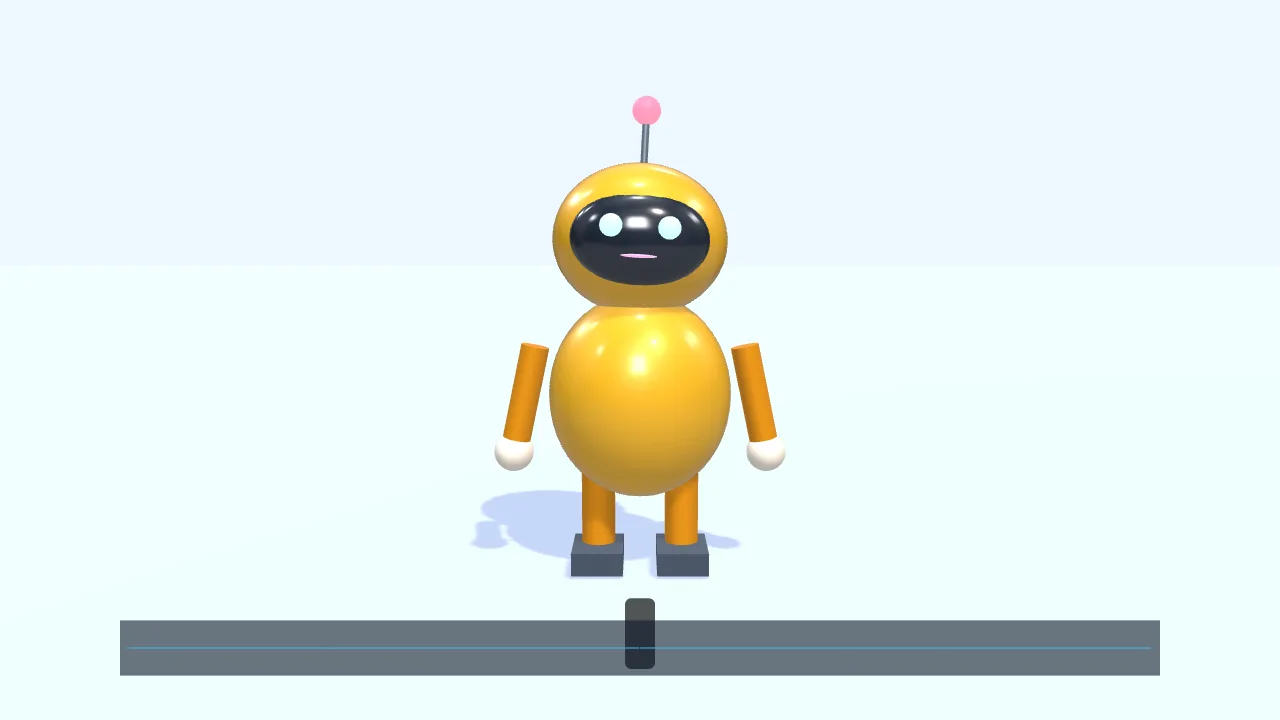
Have a character walk in from the left and talk along with this voice clip
- Add a small 3D robot
- Walk to the center and wave
- Drop in a voice clip
- The mouth opens and closes with the voice
- Add subtitles
You say:
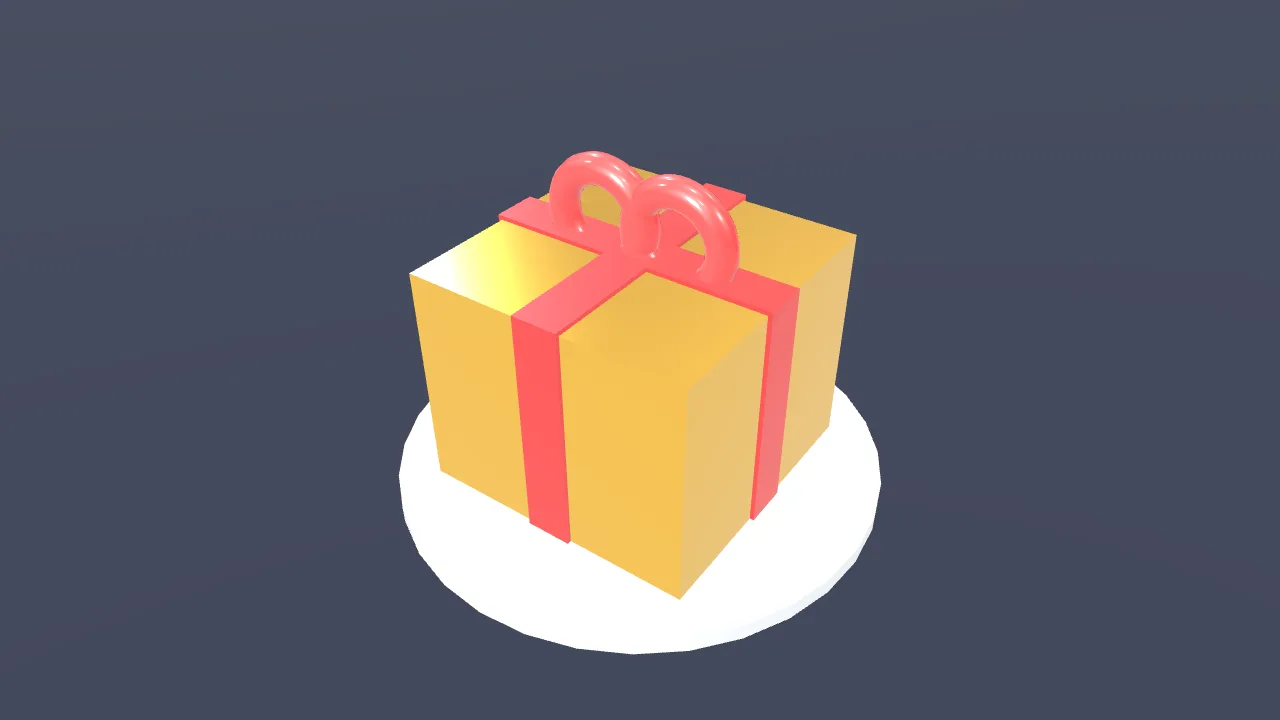
Make a gold gift box spin once, then show “New arrival”
- Create a 3D scene
- Add a gift box
- Give it a gold metal finish
- Add two lights
- Spin it once
- Show “New arrival”
You say:
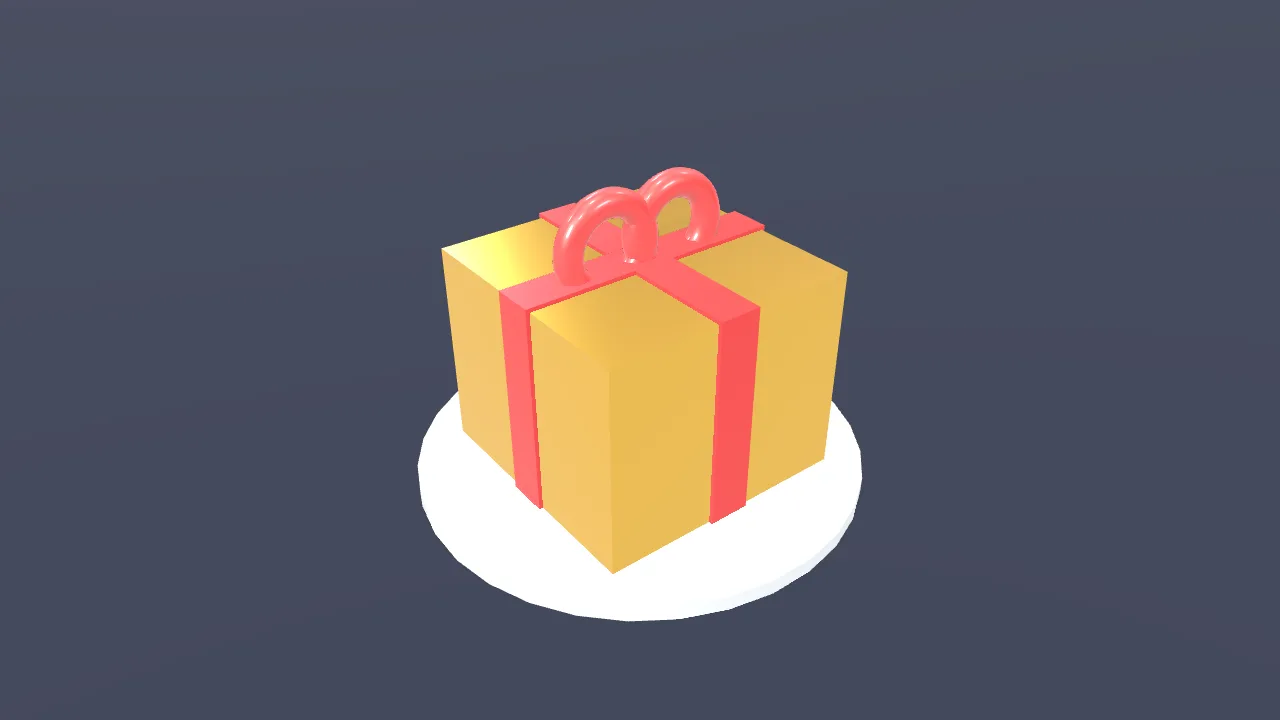
Add a “New arrival” title animation over the gift box
- Add a built-in title motion
- Set the title to “New arrival”
- Export the 8-second video
No video-generation model and no queue: the AI writes a timeline, and your browser draws it.
The AI can’t: generate real live-action footage · fix blurry video · remove existing watermarks · create a 3D model file from nothing
Tell the assistant what you want done and it does it: cut the silences, add captions, tighten the pacing. Every AI action is just a message and a reply. Free, no account.
Knowing what you want and knowing which buttons produce it are two different skills, and only one of them is about the video.
Say "cut the parts where nobody is talking and add captions" and it happens on your timeline. There is no separate AI mode — it is the same project you were already editing.
Everything it does is a normal, undoable edit. If you do not like it, undo it, or say what to change instead.
FAQ
- Can it undo what it did?
- Yes, every AI action is an ordinary edit on the undo stack.
- Does it work on a video I already have?
- Yes, that is the main use.
- How specific can I be?
- Very. "Make the second half faster" and "cut everything before the door opens" both work.
- Is my video uploaded to the AI?
- No. The AI works through the project’s structure, not by sending your footage anywhere.
- Is it free?
- Yes, with the exceptions named on the "how free it is" page.